In this guide
Build a design review board around the decision being requested. Show comparable options, the common basis, the evidence that changes the choice and the unresolved questions. A collection of attractive images can introduce a proposal, but it does not automatically let a client or committee make a traceable decision.
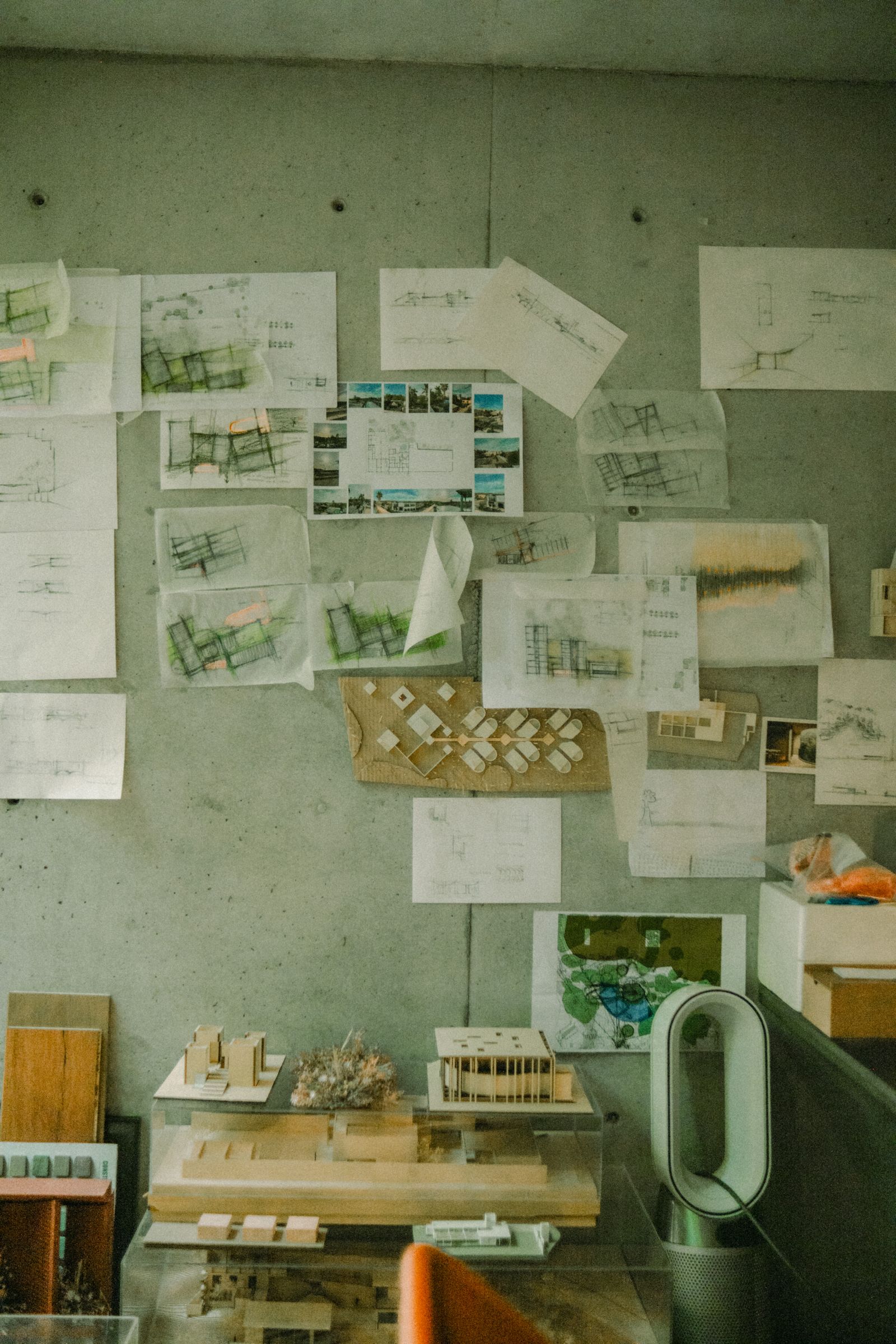
The studio-wall photograph illustrates a working collection of drawings and models. A released board needs a more selective hierarchy: what to decide first, where to inspect it and how to record the conclusion.
Write the decision at the top
State the choice in one sentence. “Select an entrance facade option for the next design stage” is clearer than “Design development.” Identify who is deciding and which decisions remain outside this review.
Use the visualization brief to align purpose and scope. The board should answer that purpose rather than display every deliverable produced so far.
Establish a common comparison basis
Use the same building stage, camera and relevant context for equivalent views. Retain different views only when they explain a genuinely different question. Name design options consistently across images, plans and schedules.
Chaos’s visualization styles discussion shows that presentation methods differ by purpose.1 Choose the method that reveals the decision evidence; a diagram may explain an option relationship better than another atmospheric image.
| Board element | Job it should perform |
|---|---|
| Decision statement | Tell the reader what response is needed |
| Comparable views | Make the visible differences inspectable |
| Plan or region diagram | Locate the change |
| Quantitative table | Explain only relevant, consistently based measures |
| Open questions | Prevent assumptions from becoming silent approvals |
| Conclusion record | Preserve the selected option and conditions |
Keep numbers connected to their basis
If area, quantity or another measure affects the choice, show units, source revision and the relevant calculation conditions. Use the area comparison guide before presenting totals as equivalent. Do not add a precise-looking figure simply to make the board feel technical.
Likewise, link material selections to their actual references. An image caption can identify a proposed product without claiming its technical review has been completed.
Rehearse the receiving task
Ask a reviewer unfamiliar with the working files to identify the options, locate the difference and state the decision requested. Record where they need verbal explanation. Revise the board’s hierarchy or labels rather than assuming the presentation meeting will repair every ambiguity.
Test the actual receiving format: screen, print or shared document. Inspect text and detail size at that format. A board readable only when enlarged in the authoring application is not yet a useful receiving deliverable.
Save the conclusion with the board
Download the review-board worksheet. Record the compared revisions, observation basis, evidence links, unresolved questions and decision conditions. Use the render comment process for actionable follow-up rather than leaving instructions scattered across meeting notes.
The Rendora architecture workflow is the relevant entry for reviewing option evidence. Tie the board to the accepted configuration and retain the next-stage questions explicitly.
References
- Chaos, Different styles in architectural visualization, reviewed October 26, 2026.
About this guide
Rendora publishes practical guides for teams working with configurable 3D assets and traceable production handoffs. Updated October 27, 2026.