A complete architectural visualization brief defines the audience, decision, approved source revision, views, visual scope, delivery formats and review process. Start with what the viewer must understand or choose; then specify the images needed to make that decision.
“We need three exterior renders” leaves the expensive questions unanswered. Are the images for comparing massing, selecting a facade, discussing a neighbor’s view or promoting an approved design? Each purpose changes the geometry, context, camera and level of finish that matter.
A useful brief makes those dependencies visible before production. It also gives reviewers a shared test for acceptance: not whether an image feels finished, but whether it answers the agreed question using the correct information.
Write a one-sentence decision statement
Use the structure: “The audience needs to decide X using Y, while Z remains fixed.” For example: “The owner needs to compare three entrance treatments from the same street viewpoint, with the building massing and surrounding context held fixed.” This is an authored brief example, not a client case.
That statement tells the team not to redesign the roof, relocate the camera or replace the street trees between options. It also exposes missing information: the street viewpoint and the base massing must exist before the comparison can be produced.
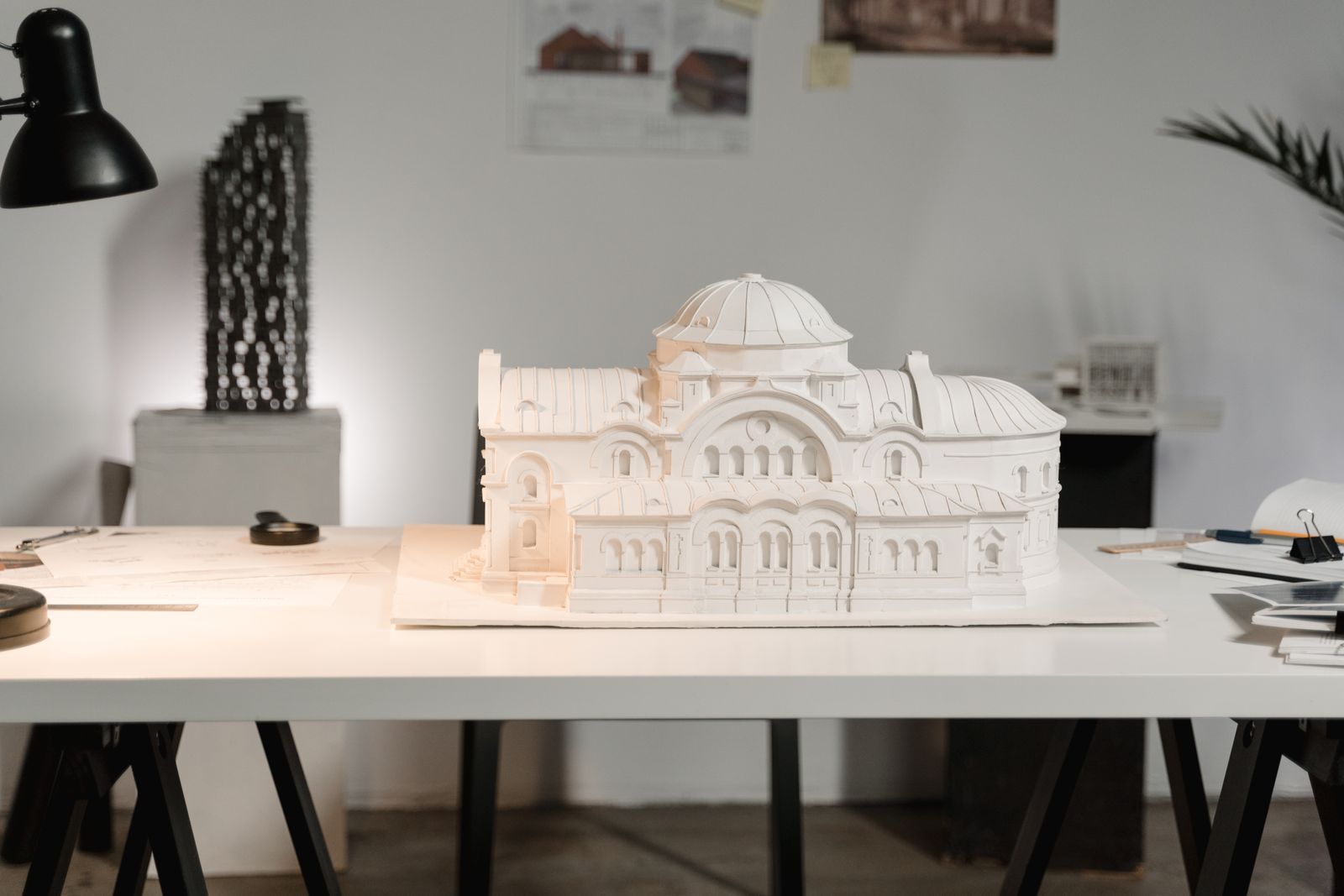
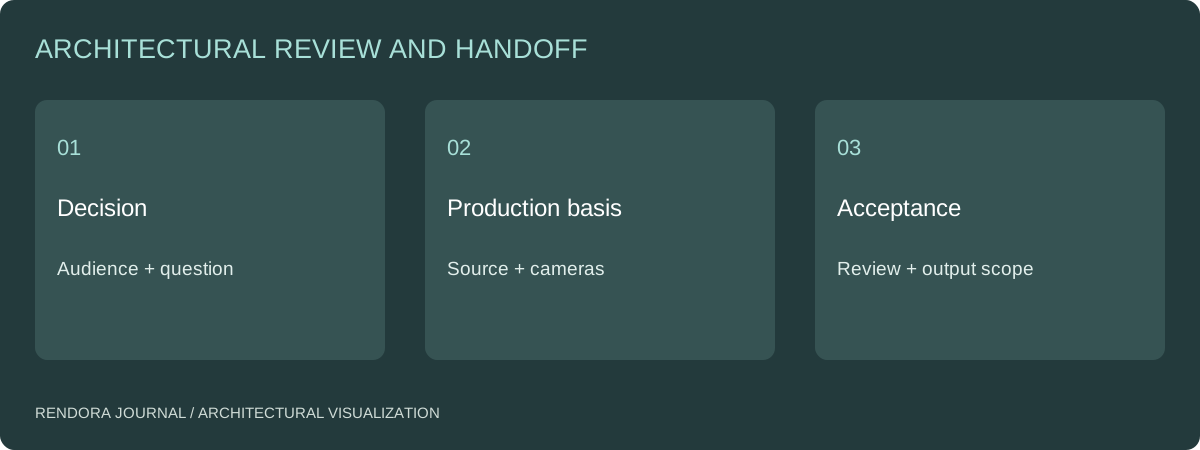
Assemble the smallest complete source package
Provide the current model or drawings, revision dates, relevant materials, site information and reference images. Mark the authority of each source. A photograph may explain an existing finish without establishing a boundary; a concept sketch may explain an intention without defining dimensions.
| Input | What to specify | What happens if it is missing |
|---|---|---|
| Design source | Author, file, revision and unit | Geometry is built from an uncertain basis |
| Site context | Origin, orientation and context extent | Building and surroundings may not align |
| Materials | Product, sample or reference priority | Artist must interpret the finish |
| Cameras | View purpose and approval owner | Review may focus on composition instead of design |
| Output use | Meeting, print, web or video | Framing and resolution may be unsuitable |
| Review process | Comment owner and revision gates | Conflicting instructions reach production |
For CAD and BIM inputs, use the model-handoff checklist. SketchUp’s visualization process breakdown illustrates that source modeling and downstream visualization are connected production stages.[1] Describe the handoff rather than assuming every file contains everything the visualization needs.
Separate design interpretation from production
List unresolved design decisions explicitly. If the artist must invent a railing, landscape scheme or interior behind glass, decide whether that interpretation is included and who approves it. A mood reference is not a specification for every visible element.
Use three labels: approved, proposed and context. Approved elements should stay fixed until the source owner changes them. Proposed elements can vary within the brief. Context explains the setting and should not be mistaken for designed work.
For early concepts, the massing comparison may be the better first deliverable. It answers broad form questions without spending time polishing materials that may disappear in the next iteration.
Approve production in useful gates
Start with a geometry and camera preview. Check the source revision, visible design, context and framing before material polish. Then review materials and lighting using the accepted camera. Finish with output checks: dimensions, crop, naming, usage scope and the absence of unresolved review marks.
Specify how feedback arrives. One consolidated list from an authorized reviewer is clearer than several annotated screenshots with contradictory requests. Record the image revision beside every instruction. If an approved camera changes, identify which work must be repeated and whether it changes the agreed scope.
Do not define a revision only by the number of emails. Define what can change within a round and what constitutes a new design input. This distinction becomes especially important in the quote comparison.
Make the deliverable useful after the meeting
Require a view list, source revision, output files and a decision record. If working scene files or reusable models are needed, put them in the agreement with their dependencies and permitted use. A JPEG delivery does not automatically include the source scene.
Download the visualization brief template. Its blank evidence and decision fields let the team identify what is ready and what still needs an owner. Use the Rendora architecture tool to organize massing parameters, reference sources and comparison conditions before building a review package.
Briefing questions
Do I need a complete BIM model to commission visualization?
Not for every task. A defined set of drawings and references can support a scoped visualization, but the brief must state the missing geometry and interpretation work. For a model-based update workflow, a consistent source and revision process becomes more important.
Should marketing references be included?
Yes, with the reason each reference is relevant: framing, mood, surface treatment or context density. Do not ask the team to copy an unrelated building or treat a reference image as dimensional evidence.
References
[1] SketchUp Blog, SketchUp visualization process breakdown, part 1. The decision statement and review gates above are an editorial commissioning method.
About the author
Rendora Journal covers configurable assets, production checks and traceable delivery workflows.