In this guide
Establish the photograph’s viewpoint and its alignment with the model before reviewing an architectural photomontage. Preserve the original photo, source permissions, model coordinates and alignment references. A polished composite can look convincing while placing the proposal at the wrong scale or perspective.
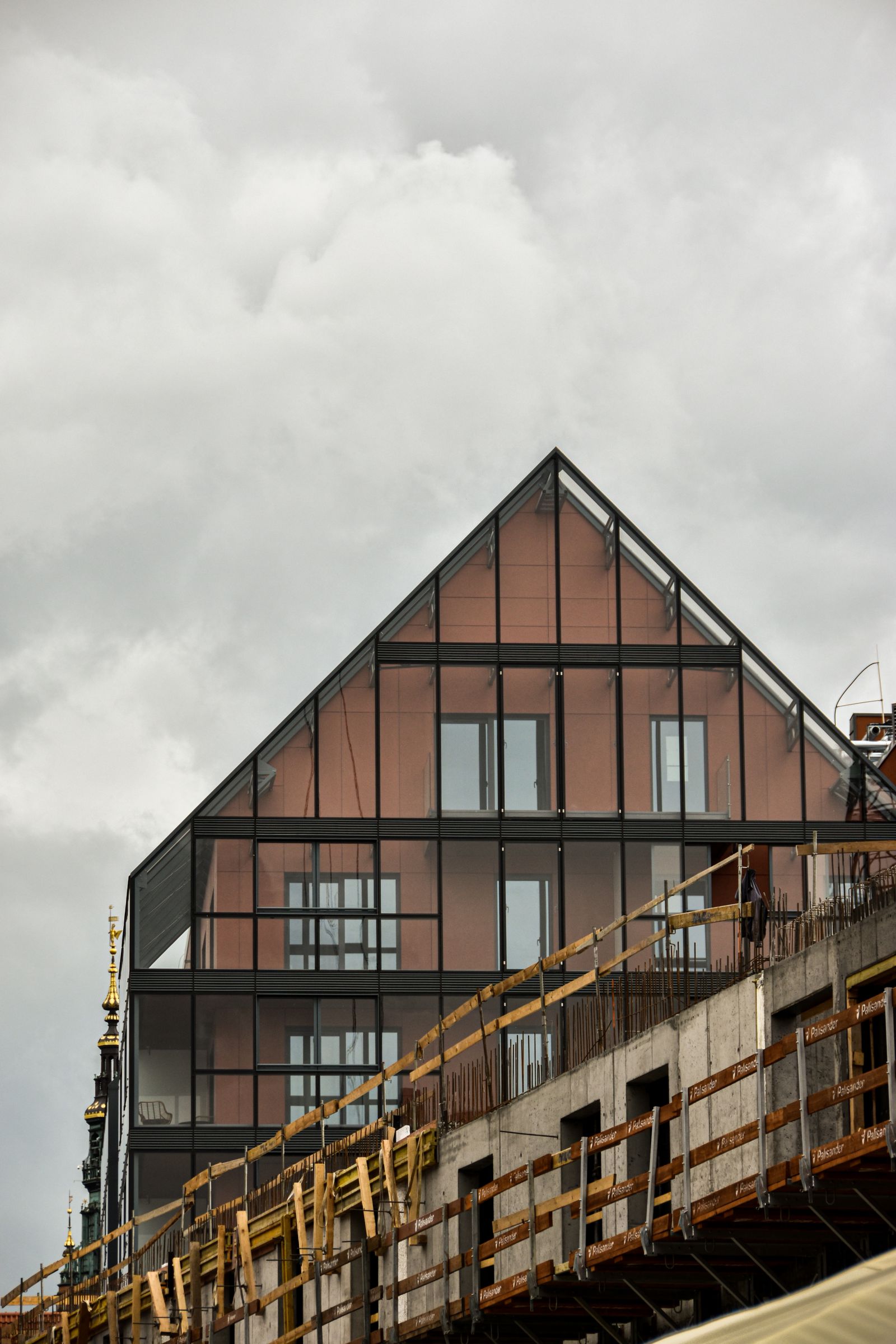
The street-level construction photograph illustrates a specific observation position. Replacing its sky or cropping it for presentation does not establish how the proposed model should align with that position.
Preserve the original photograph
Keep the original file and any available capture information. Record the photographer, capture date, permitted use and processing history. Save a presentation crop separately so the alignment source remains recoverable.
Confirm which photo-matching method will be used. SketchUp’s Match Photo guidance describes conditions suited to that feature, including useful perspective references and avoiding altered source perspectives.1 Those feature-specific requirements should guide preparation when using it.
Establish model and site references
Use identifiable features whose positions are known in both the site evidence and the model. Record the model revision, units, coordinate assumptions and any transformations applied for the visualization workflow. Resolve a coordinate mismatch before compensating by eye in the composite.
The site-context handoff guide covers the baseline. Separate surveyed information from estimated references; their reliability is not interchangeable.
| Record | Why retain it |
|---|---|
| Original photo | Reconstruct the source view |
| Camera information | Support the chosen alignment method |
| Control references | Explain scale and position |
| Model transformation | Trace changes from project coordinates |
| Alignment review | Identify remaining uncertainty |
Review alignment before materials
Start with a simple model overlay that makes edges and reference points easy to inspect. Compare more than one feature across the image rather than matching a single prominent corner. Record unresolved discrepancies and ask whether they originate in the photo, the model, the reference information or the matching method.
Do not hide a misalignment behind trees, atmospheric effects or an attractive material treatment. Fix the baseline, then add the rendering layers. The exterior camera guide helps define the view being reviewed.
Control compositing changes
Record which context elements are retained, removed or added. Distinguish existing objects from proposed planting and other design information. Keep a version with the alignment references and a clean presentation version tied to it.
If the image is intended for a formal project submission, have the responsible team establish the required methodology and evidence. A visual match alone does not define that submission’s acceptance criteria.
Release a traceable image
The photomontage worksheet records source identity, coordinates, references, alignment questions and composite revision. Deliver the accepted image with the relevant preparation record and unresolved assumptions, not just a flattened file with an unexplained viewpoint.
Use the Rendora architecture entry to organize the available project evidence. Camera matching and compositing need to identify their actual source workflow and review result.
References
- SketchUp Help, Matching a photo to a model, reviewed October 26, 2026.
About this guide
Rendora publishes practical guides for teams working with configurable 3D assets and traceable production handoffs. Updated October 27, 2026.