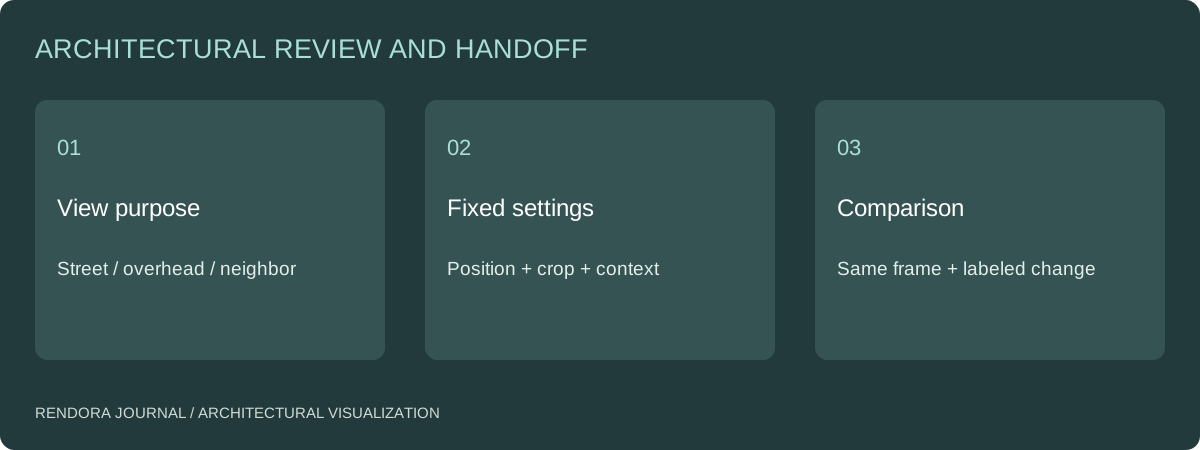
Approve exterior cameras before detailed rendering, then keep the camera position, target, projection, crop and context fixed when comparing design options. Use different views for different questions: street experience, overall arrangement and a particular neighbor-facing relationship.
A facade can appear taller, wider or more open when the camera moves. A tree can hide an unresolved entrance. A tighter crop can remove the adjacent building that motivated the review. These may be legitimate presentation choices, but they should not change unnoticed between alternatives.
Give every view a job
Write the question beside the camera ID. “Street view” is a location label; “show how the entrance is found from the sidewalk” is a review purpose. A camera selected for that purpose may differ from a marketing hero composition.
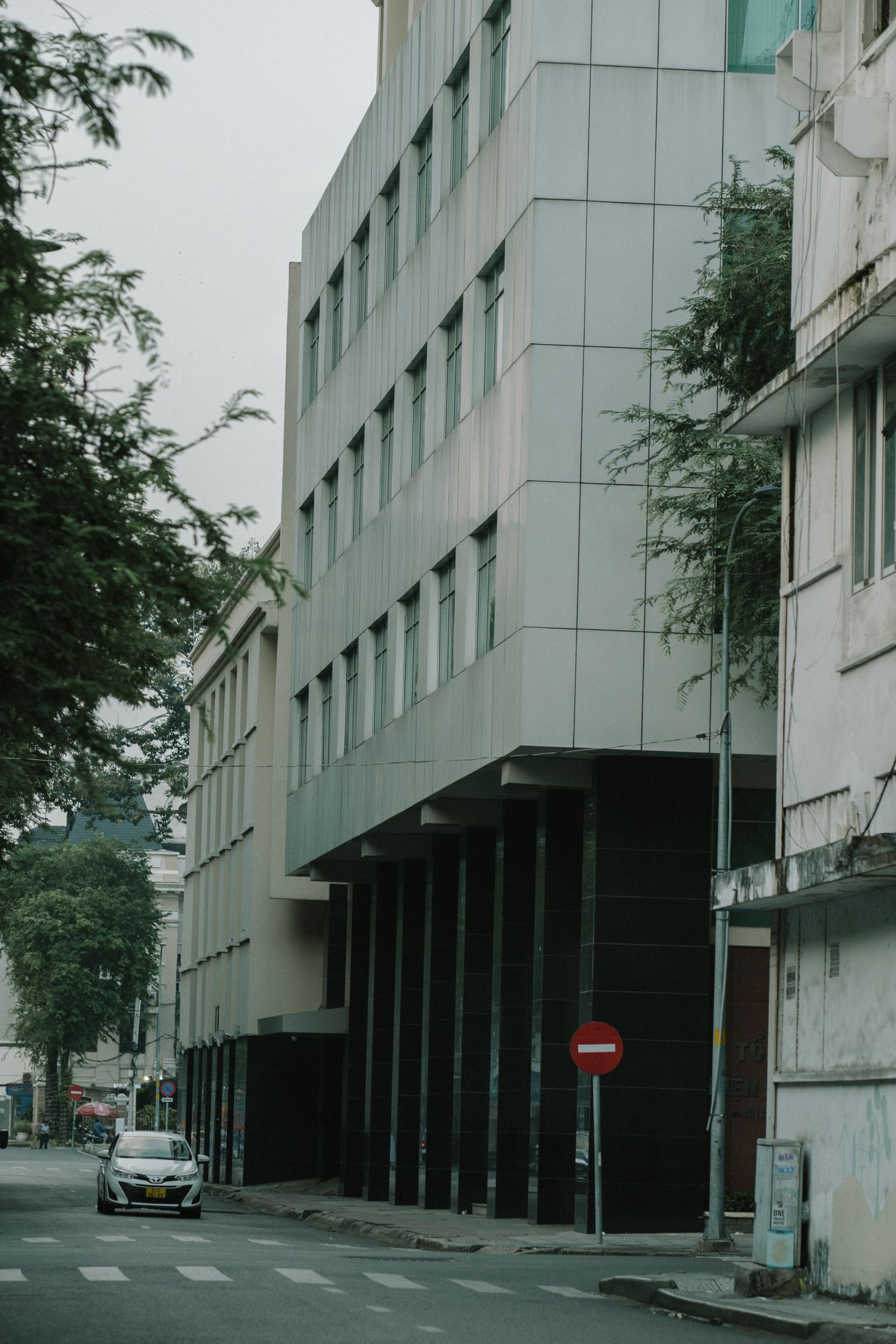
Choose the minimum useful set. An overhead view can explain the relationship of building blocks; a street-level view can explain the entrance and apparent scale; a neighbor-facing view can address a specific relationship. Do not add angles simply to make the delivery list longer.
Record more than a thumbnail
Retain camera position and target, camera height, projection or focal settings, image aspect ratio, crop and any perspective correction. Also record which context, vegetation and entourage layers are visible. For matched comparisons, lighting and post-processing settings need the same discipline.
| Review question | Useful view | Keep fixed across alternatives |
|---|---|---|
| Entrance legibility | Approach from the actual pedestrian direction | Position, eye level, context and crop |
| Overall mass arrangement | Overhead or elevated overview | Projection, target and extent |
| Facade option | Front or oblique view of the affected elevation | Camera, light and unchanged materials |
| Neighbor relationship | Defined viewpoint toward the relevant interface | Location and surrounding geometry |
| Public-facing hero image | Composition selected for its audience | Approved design and declared visual scope |
Keep camera variants separate from design options. A revised viewpoint is an observation setup, not a new building configuration. That distinction helps the team understand what changed in a comparison.
Approve a low-cost framing preview
Review geometry, context and framing before material polish. Mark missing design elements and confirm that the view contains the evidence required by the brief. If the entrance is hidden, move or add a camera at this stage rather than compensating with unrealistic lighting later.
Use the same source revision across all framing previews. SketchUp’s visualization process discussion describes developing the model for the visualization workflow.[1] Make the camera approval a defined production gate connected to that source, not a casual choice made after final rendering.
When reviewing massing options, add an overhead comparison even if the street view is the primary image. It can expose differences hidden by perspective. Keep the two views labeled so nobody treats them as equivalent visual measurements.
For photographs, retain the original capture basis
If the work involves a photomontage, retain the original photograph, capture information where available, permitted use and the method used to align the proposed geometry. Record any changes to the photograph or context. A visually convincing composite is easier to review when its inputs and transformations are retained.
Identify approximate context separately from surveyed information through the site-context record. If a formal assessment requires a specified viewpoint or method, obtain that requirement before production; a freely composed marketing view is a different deliverable.
Compare changes in a stable frame
Place options side by side at the same size. Label source revision, option ID, camera ID and date condition. Ask reviewers to comment on the intended design variable, and record any new request to change the camera separately.
An image revision should state whether geometry, materials, lighting or framing changed. That lets the team distinguish a real design improvement from a more favorable presentation. Use the camera review sheet to retain those decisions.
The Rendora architecture tool can record named viewpoints and comparison conditions alongside massing and scenario information. Use the accepted camera specification in the downstream visualization application, then include the resulting view in the brief and decision package.
Camera questions
Should all views use the same focal setting?
Not necessarily. Different questions can need different views. Keep each camera’s settings fixed across the options it compares, and identify deliberate framing changes as separate observations.
Is a dramatic wide-angle view wrong?
It can be appropriate for a particular presentation. The issue is whether it answers the agreed question and is compared fairly. Add a more explanatory view when the dramatic frame obscures the design relationship under review.
References
[1] SketchUp Blog, Visualization process breakdown. The matched-camera protocol above is the editorial review procedure.
About the author
Rendora Journal covers configurable assets, production checks and traceable delivery workflows.