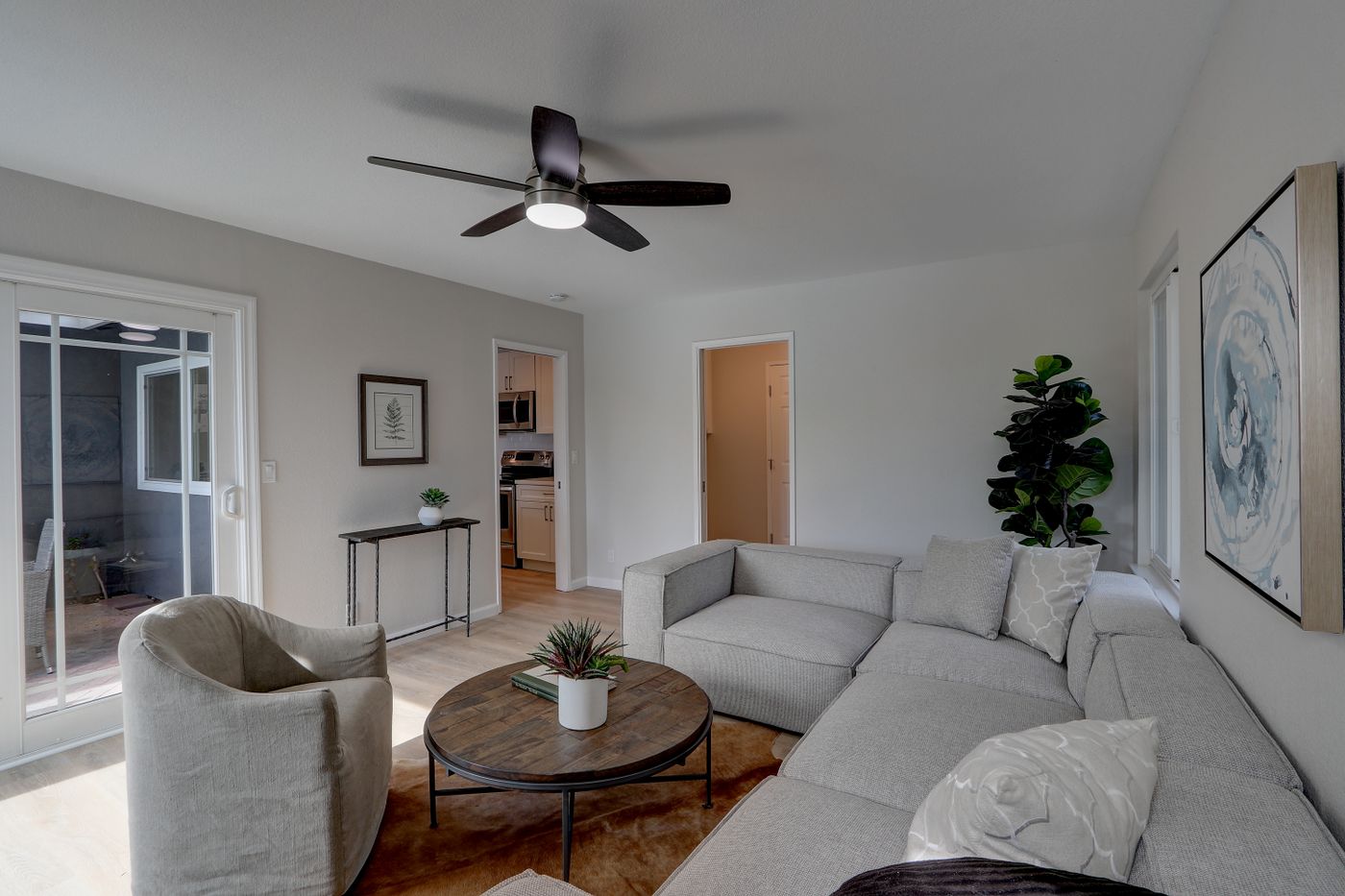
The demonstrations all let you drag a product around. One is a sequence of pictures, one is a model and one lets you select fabrics. They may look interchangeable until a customer tries to order a combination that is not sold.
Choose a viewer when customers need to inspect a fixed product; choose a configurator when they need to choose a valid combination of options; choose a 360 photo sequence when captured views of a fixed item are sufficient. If your immediate need is downloadable listing pictures, start with image production instead of adding a new storefront experience.
These products can look similar in a demonstration. They differ most when the customer changes an option, the catalog changes, or a phone has to load the result. Compare the buying task and maintenance burden, not only the most attractive demo scene.
What each experience actually does
| Experience | Customer action | Product information behind it | Main limitation to consider |
|---|---|---|---|
| Still-image gallery | Select pictures and zoom | Approved pictures and correct mapping | Only the supplied views are visible |
| 360 photo sequence | Scrub through captured angles | A planned image sequence | It cannot reveal uncaptured views or arbitrary new configurations |
| Interactive 3D viewer | Rotate and inspect a model | Optimized model and materials | Inspection alone does not establish valid options or ordering |
| 3D configurator | Change approved parts or finishes | Model, option definitions and rules | Needs business logic as well as visuals |
| AR placement | View a model in physical surroundings | Appropriate model and device support | Does not physically verify fit, comfort or installation |
Shopify’s media documentation describes interactive 3D separately from images and requires appropriate theme support.[1] A configurator can use a viewer as its visual component, but the viewer is not the whole commerce system.
Start with the unanswered buying question
For a fixed lamp, the customer may need to inspect the rear connection and shade. A viewer or a good set of pictures may be enough. For a sofa with alternate arms and fabrics, the customer needs to know which choices can be combined. That calls for rules, not just rotation.
For a merchant preparing seasonal product images, an interactive experience may not be necessary at all. The immediate deliverable could be a consistent set of approved pictures. See the image production workflow before purchasing an implementation you do not need.
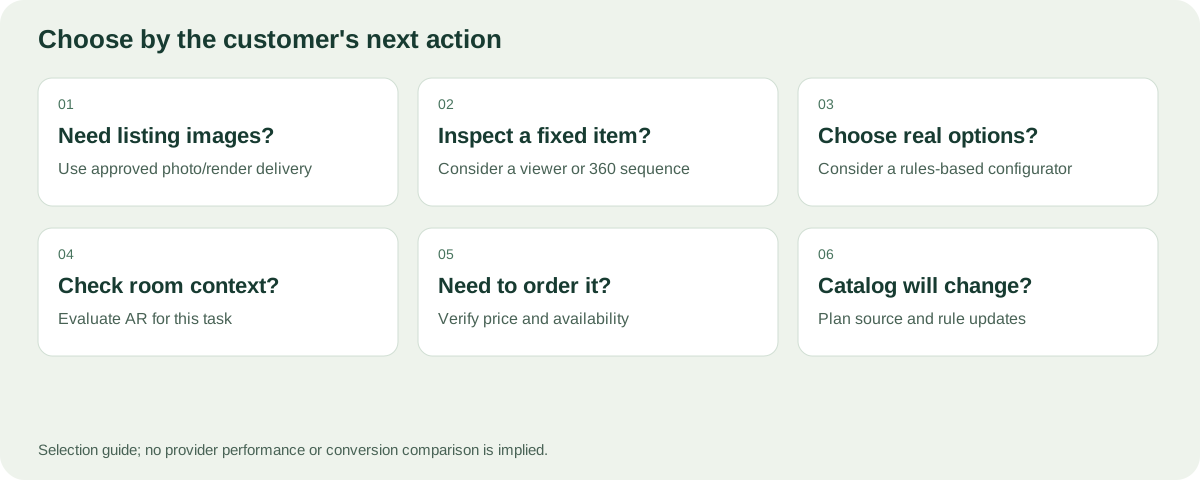
Start with what the customer needs to inspect, choose or order.
A configurator must reject the impossible
Imagine a fictional chair with two leg styles and three upholstery materials. One fabric is unavailable with the slim frame. A viewer that happily displays that combination has not solved the customer’s ordering problem.
Ask whether the system can represent dependencies and unavailable combinations. Identify the authoritative source for price, stock and orderability. Those values should not be trusted simply because a browser displays them.
Assess option rules, visual preparation and order integration separately. A convincing color change does not demonstrate all three. For visual preparation, use our variant register.
Case example: make size uncertainty the starting point
Shopify’s Gunner Kennels case describes using 3D and AR to help buyers assess a crate’s size in their own surroundings, including near their dog.[4] That is a specific buying problem. It is different from choosing fabric or designing an assembly of modular components.
For your business, write an equally specific question: “Can the customer understand the rear connection?” “Can they compare two leg styles?” “Can they see whether this arrangement fits the available space?” Then choose the smallest experience that answers it credibly.
Do not buy a complex configuration interface merely because another brand used AR. The product, buying uncertainty and implementation all need to match. Conversely, do not dismiss a simple fixed viewer if inspection is the missing piece in your current listing.
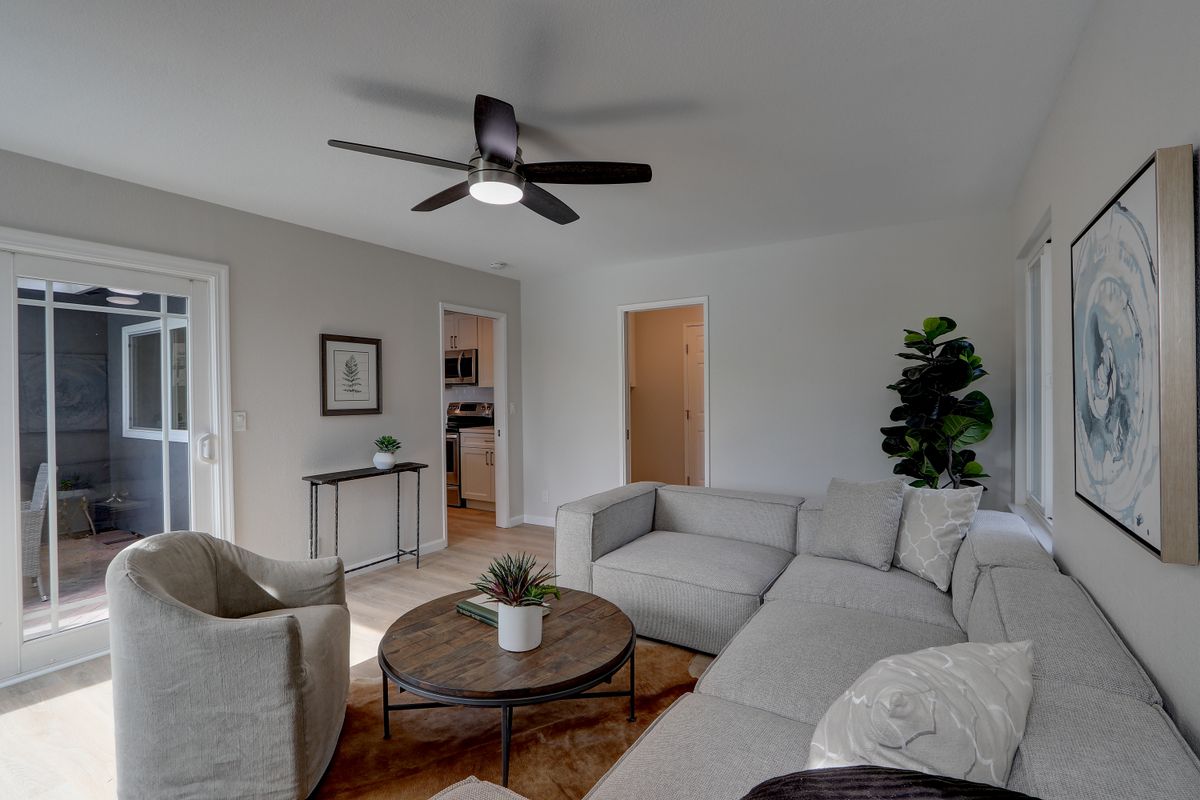
Space, appearance and available options are different buying questions; a tool should make its answer clear.
Write acceptance criteria before comparing plans
| Need | Acceptance example | Evidence to request |
|---|---|---|
| Inspect a connector | It is visible from the needed angle | Customer-facing view on the intended device |
| Choose a finish | Correct surfaces change; labels stay clear | Your own finish references in a sample |
| Block an invalid assembly | It cannot reach order or quote as a valid item | A test of one incompatible combination |
| Share a configuration | Recipient sees the intended supported state | Open the link in another session |
| Update a product | New version can be reviewed before publication | Demonstrated update and release process |
| Retain a usable page if 3D fails | Essential product details remain available | Review without the interactive view |
These criteria turn the comparison into a service discussion rather than a contest of visual polish. Mark each requirement as essential, useful or unnecessary. If your immediate deliverable is a set of still images, several configurator features may be unnecessary for the first phase.
Include people who do not interact like the demo presenter
Ask someone unfamiliar with the tool to select a product and explain what they would receive. Watch whether they understand color names, selected parts and unavailable choices. A surface that changes visually but has no understandable label can leave the final selection unclear.
Try touch controls and keyboard navigation where applicable. Check whether product facts remain readable outside the 3D canvas. Keep essential dimensions, included items and selected options available as normal page content rather than relying on a particular camera angle to communicate them.
Start with a controlled release
Choose one representative family, document the existing buying problem and keep a record of the new experience. Check completion and errors before making claims about commercial results. If you compare performance over time, note other changes such as price, campaigns and traffic source.
Customer feedback may show that a missing rear photograph solves more uncertainty than a sophisticated animation. It may also reveal that a configurator needs fewer options and clearer defaults. The rollout should teach you which part of the decision process improves, not merely demonstrate that the model loads.
Test a provider on your actual product
Give each provider the same product and references. Include a difficult material, an invalid combination and one catalog update. Ask them to show what must be prepared, what is automatic and what requires service work.
Use the evaluation sheet to record evidence:
- Can the customer identify what they have selected without relying on color alone?
- Does an invalid combination get blocked with an understandable explanation?
- Does the selected state survive a share or return visit, if that feature is promised?
- How does the display behave on an ordinary phone and a slower connection?
- What happens if the interactive element cannot load?
- What exactly reaches the cart or quote, and how is it verified?
These are acceptance questions, not claims that every provider supports every behavior. Require the features that match your buying flow and budget.
Plan for the catalog change after launch
A store is not finished when the first model loads. Fabrics are renamed, components are discontinued and product dimensions change. Ask who updates the model, rules and images, and how old configurations are handled.
If a saved customer configuration refers to a discontinued fabric, the system needs a clear response. Silently substituting another finish can turn an attractive preview into an inaccurate order. Publication should refer to an identifiable version so the team can explain what the customer saw.
For a 360 sequence, ask what must be reshot when a product changes. For a model, ask what geometry or material needs revision. For a configurator, add the rule and order-mapping work to the same estimate.
Avoid buying promises you cannot verify
Separate self-service setup from custom implementation. Ask which assets, data and integrations the provider expects you to supply, and which are included in the quote. Do not inherit another vendor’s guarantees about loading speed, conversion uplift or compatibility.
A small asset can still have a slow implementation. An excellent render can still represent the wrong product. A share link can still omit a selected option. Ask for evidence in your own workflow rather than treating any one headline metric as a complete evaluation.
Where Rendora fits in the comparison
When comparing quotes, separate asset preparation, viewer delivery, option rules, commerce integration, recurring service and future updates. Agree what happens to the model and selected-state data if you leave the service. A lower subscription price is not a complete comparison when one quote excludes the work required to accept a valid order.
The Rendora ecommerce tool is being developed around approved sources, configuration rules and traceable delivery. The current image-package paths should not be described as a fully integrated Shopify configurator with live checkout, inventory and automatic publication.
If you need images now, assess those actual downloadable outputs. If you need a live buying experience, define the additional integration and acceptance tests before scheduling launch. A different label on the same preview does not remove that work.
FAQs
Is a 360 spin always a 3D model?
No. A spin can be a sequence of photographs or rendered frames. Its interaction is limited to the sequence provided.
Does a viewer let customers order different finishes?
Not necessarily. That requires the relevant option logic and commerce integration, not just a model that rotates.
Do I need AR to sell furniture online?
Not every merchant needs it first. Identify the buying uncertainty and test a focused implementation. Do not treat AR as a guarantee of fit or sales improvement.
Can I start with pictures and add configuration later?
Yes, provided the sources and product identities are organized for reuse. Keep the approved master, material references and SKU mapping rather than only final compressed images.
Sources and notes
[1] Shopify: Product media types.
[4] Shopify: Gunner Kennels 3D/AR case study.
About this guide
Rendora publishes practical guides to product configuration and asset delivery. This guide draws on the linked documentation and editorial analysis. Worked examples and review protocols are identified in the text.