In this guide
Review glazing as the combined result of the selected material, the scene it reflects and the geometry and lighting behind it. Fix the camera and environment before changing the material. A dark facade can result from several different inputs, so adjusting glass appearance alone may hide the real problem.
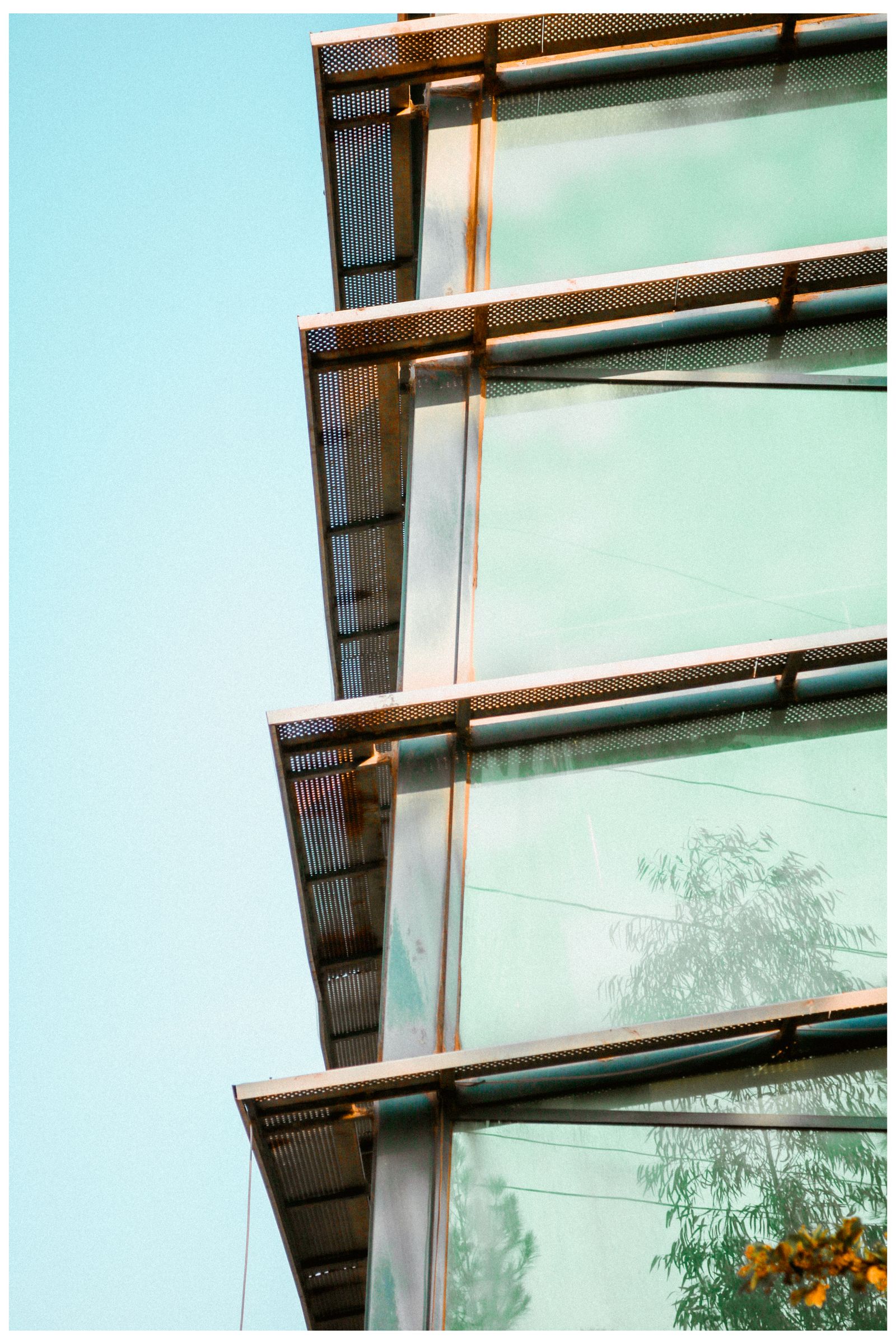
The photograph shows reflections and visible structure at the same time. A useful review asks which of those relationships the proposed view should represent and what source evidence supports it.
Collect the actual appearance references
Identify the proposed glazing product and available samples or project references. Record the observation conditions of reference photographs where known. A close reference under one lighting condition should not be treated as a universal facade appearance.
Separate appearance decisions from product performance information. Thermal, acoustic or other specified properties belong to their actual technical documentation and review, not to the brightness of a render.
Check the model behind the surface
Inspect relevant interior geometry, openings, reveals and nearby objects. A window looking onto an empty model can appear different from the intended occupied interior. Confirm the source revision before adding generic interior depth to compensate.
The BIM-to-visualization handoff guide helps identify which source elements were retained or omitted. Chaos’s rendering workflow overview provides the broader geometry-material-light-camera sequence.1
| Symptom | First inputs to inspect |
|---|---|
| Surface looks uniformly dark | Reflected environment, interior state and exposure |
| Interior seems absent | Actual geometry and lighting behind the glazing |
| Different panels behave unexpectedly | Region assignment and source geometry |
| Reference and render disagree | Viewpoint, surroundings and product identity |
Change one meaningful input
Save a baseline view and name the discrepancy. Change the suspected input while holding the other relevant conditions fixed. Record whether the result moved toward the intended reference and whether it introduced a new problem elsewhere.
If the product itself is changing, use a named material option rather than overwriting the baseline. If only the observation environment changes, preserve that as a scene condition. The facade comparison guide explains this separation.
Review useful distances
Use an overall facade view for the building’s visual relationship to context and a closer view for panel interfaces and visible depth. A distant image can conceal incorrect assignments; a close image can overemphasize a detail that is not central to the main decision.
Keep image treatment consistent across the comparison. A brighter post-production adjustment can make an alternative feel more transparent without changing the proposed glazing. Record that adjustment if it is part of the accepted presentation.
Deliver the diagnosis and accepted view
The glazing review worksheet connects region, reference, interior state, observation setup, changed input and retest. Attach the accepted views and any unresolved product questions. The goal is an explainable appearance decision, not an unexplained shader setting.
Use the Rendora architecture entry to organize project-option evidence, retaining technical product records alongside the visual selection.
References
- Chaos, Rendering in architecture for design students, reviewed October 26, 2026.
About this guide
Rendora publishes practical guides for teams working with configurable 3D assets and traceable production handoffs. Updated October 27, 2026.