In this guide
Compare facade materials on the same building revision, assigned regions and observation setup. Keep camera, lighting and context fixed while changing the selected material. Otherwise the reviewer may choose a brighter sky or stronger reflection rather than the facade option being proposed.
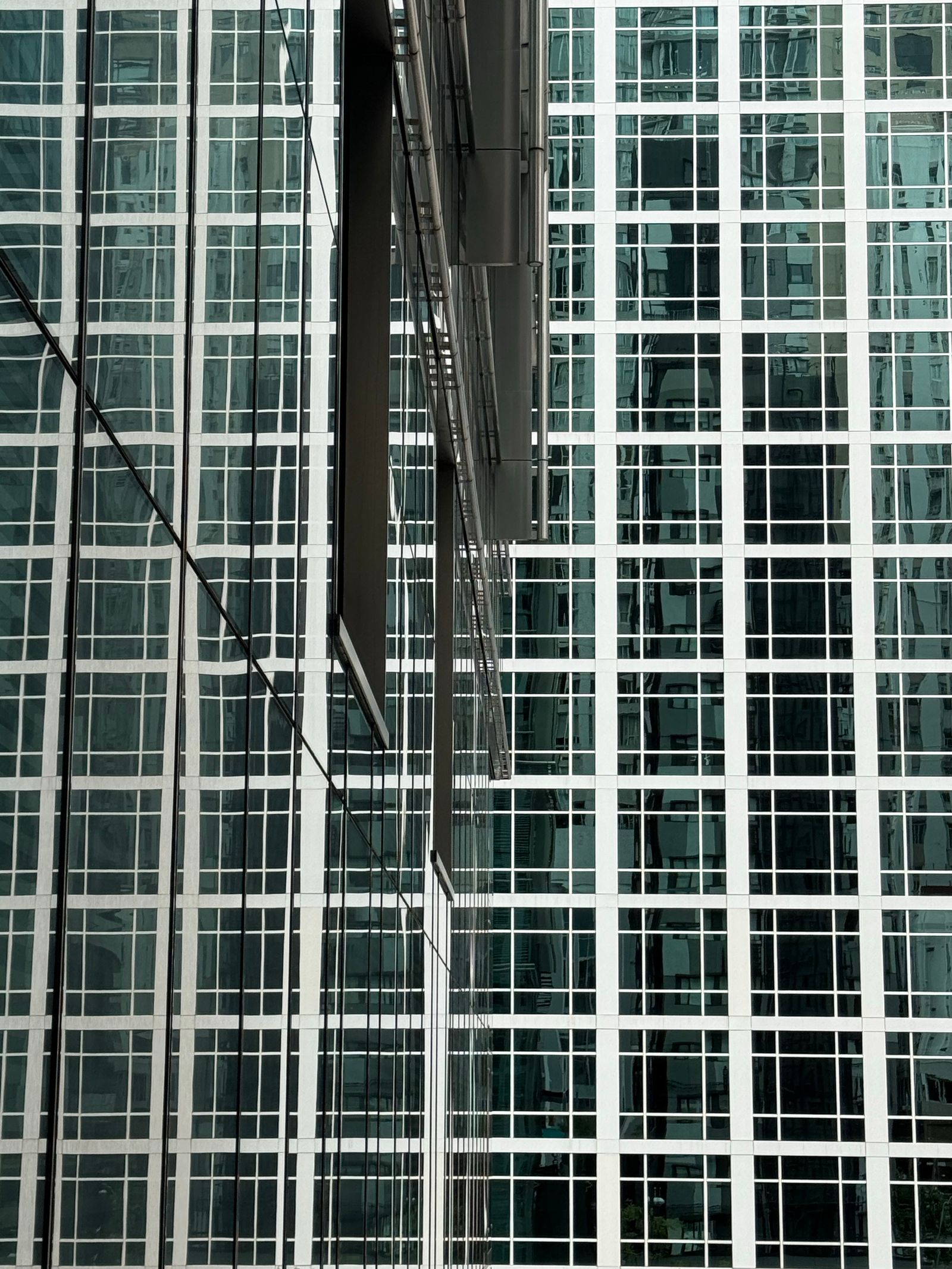
The glass grid in the photograph shows how much reflected context can influence a facade. Establish the comparison conditions before attributing every visible difference to a product selection.
Define the decision region
Name the facade regions that may change and those that must remain fixed. Attach the candidate product or sample reference to each option. Separate a material replacement from a geometry change such as a deeper reveal, different panel size or altered joint pattern.
If both are being considered, make separate comparisons first. The client should be able to identify whether the preferred result came from the surface, the panel arrangement or their combination.
Freeze the observation setup
Record building revision, camera location, framing, scene lighting and relevant context. For sun-dependent views, retain location, date and time assumptions. Treat these as observation conditions, not ordinary product variants.
Chaos describes geometry, materials, lighting and cameras as distinct parts of the architectural rendering workflow.1 That separation is useful when designing a comparison whose differences can be explained.
| Variable | Material-only comparison | Follow-up when needed |
|---|---|---|
| Geometry and joints | Fixed | Separate design comparison |
| Material reference | Changed and identified | Physical sample review |
| Camera | Fixed | Additional common view |
| Light and context | Fixed | Named observation scenario |
| Image treatment | Consistent | Record any correction applied |
Review more than one useful view
Use an overall view for the facade’s relationship to the building and a closer view for pattern, joints and visible surface behavior. Choose the same views for each candidate. A distant image may conceal an incorrect texture scale even when it supports the broader color decision.
Include physical sample references when the decision depends on actual color, gloss or surface variation. An image establishes intended appearance under stated conditions; product and technical suitability need their own evidence and owners.
Record a conditional decision
Write what was selected, for which region and under what conditions. “Option B for the entrance volume, pending sample confirmation” is actionable. “B looks best” is difficult to implement and easy to misapply to the entire building.
Retain rejected candidates and the decision basis. If the facade geometry later changes, use the marketing update process to identify affected images rather than silently replacing the source under an old approval.
Deliver the comparison package
Download the facade comparison worksheet. Include the common building revision, region map, material references, observation settings, accepted views and open technical decisions. Link the package to the visualization brief.
Use the Rendora architecture workflow for its available option and evidence review. Preserve the distinction between the design configuration and the scene used to observe it.
References
- Chaos, Rendering in architecture for design students, reviewed October 26, 2026.
About this guide
Rendora publishes practical guides for teams working with configurable 3D assets and traceable production handoffs. Updated October 27, 2026.