In this guide
Trace a design change from the accepted source revision to every affected image and published placement. Rebuild the necessary views, verify their represented configuration and replace distributed files with recipient acknowledgement. Updating the master image alone leaves brochures, listings and partner pages free to show the old proposal.
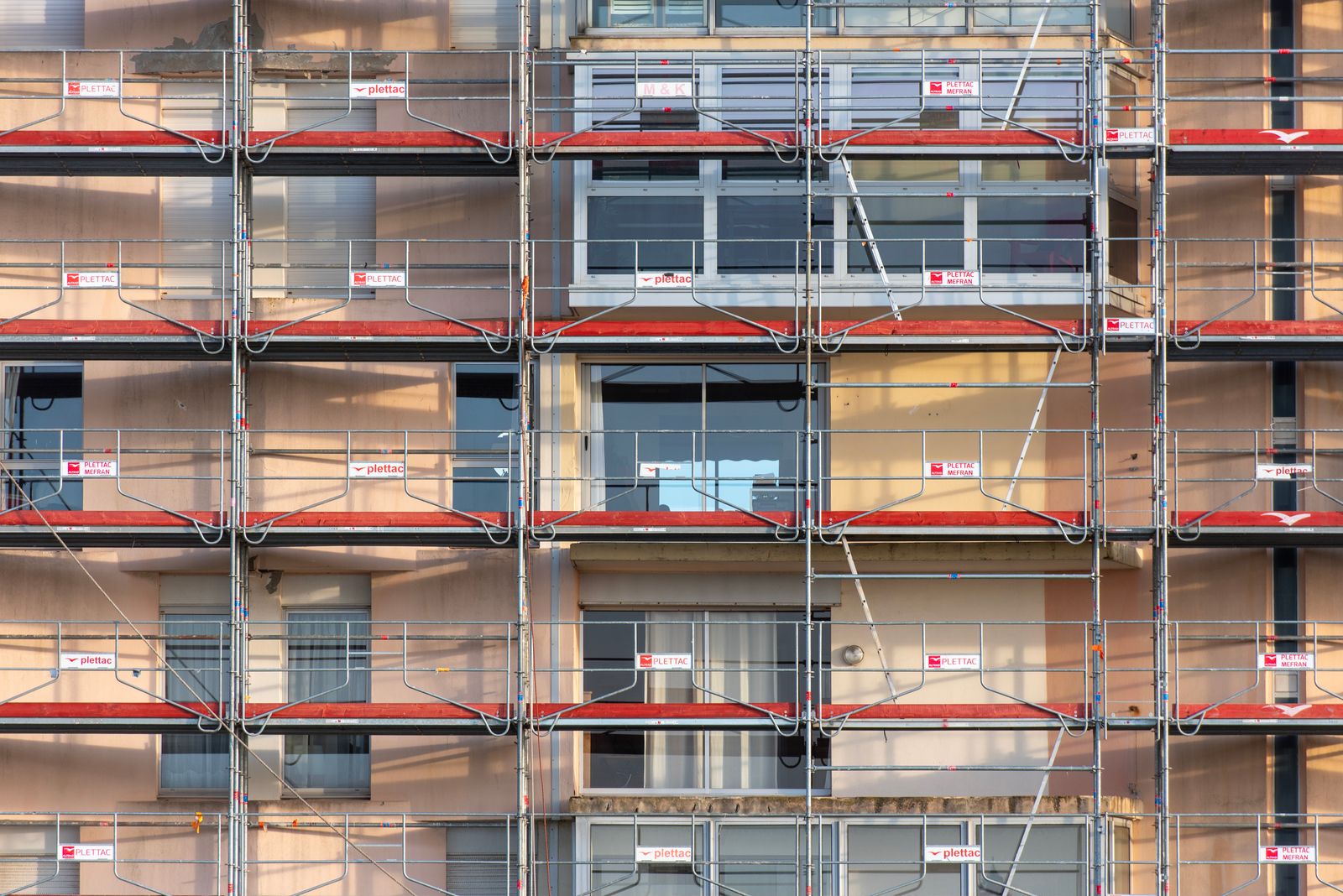
The facade under construction in the photograph is a reminder that a represented building can evolve after its marketing images were approved. The image register should evolve with the design.
Identify what changed and what did not
Record the accepted design revision and changed elements: facade regions, openings, landscape, visible fixtures or another identified part. Separate the design change from presentation-only adjustments such as a crop or output encoding.
Use the BIM handoff guide to retain source identity. Chaos’s CAD rendering workflow also places source preparation upstream of visualization outputs.1 A downstream image should be able to name the source it represents.
Build a dependency and placement register
Map the changed element to views where it is visible, then map those views to crops, formats and placements. Include files sent to agencies, sales teams and listing partners, not just URLs under your direct control.
| Dependency | Required check |
|---|---|
| Source view | Does it show the changed element? |
| Crop or layout | Was it derived from that view? |
| Website or listing | Which revision is currently displayed? |
| Download or brochure | Is the old file still accessible? |
| External recipient | Has replacement been received and applied? |
Keep a reason when an output is unaffected. This supports selective rebuilding without assuming every theoretical view must be regenerated.
Rebuild against the accepted baseline
Preserve the prior output and generate an identified replacement. Compare the changed region and inspect other visible elements for unintended differences. If a material update also changed lighting or camera framing, explain why or restore the accepted observation setup.
Use the facade comparison protocol for material changes and the landscape-state guide for revised planting assumptions. Keep the represented conditions clear in the released package.
Verify publication, not just transfer
Open the actual page or receiving file after replacement. Record the URL, file revision and observation date. Ask external recipients to confirm application, not only receipt, when they control publication.
Check thumbnails, social previews, downloadable brochures and embedded presentations as separate placements. A cached preview or an old attachment can outlive the main page update. Give the publishing owner the replacement reference and a clear instruction for retiring the superseded asset.
Close the release record
Download the marketing update worksheet. Attach the accepted source, affected views, replacement files, placements and acknowledgements. Route any required public wording or project disclosure to its responsible owner alongside the update rather than improvising it during image export.
Use the Rendora architecture entry for project evidence and option review. Retain the release record so the next change can find what is actually in circulation.
Should superseded files be deleted immediately?
Preserve an internal revision history while retiring public and operational references according to the project’s release process. A recoverable history and a single current publishing baseline solve different needs.
References
- Chaos, CAD rendering workflow for architecture, reviewed October 26, 2026.
About this guide
Rendora publishes practical guides for teams working with configurable 3D assets and traceable production handoffs. Updated October 27, 2026.