In this guide
Check furniture against the moving door, its handle and the space needed to approach it. A layout can contain every static footprint and still fail when a door opens, a drawer extends or a chair is occupied. Review those states explicitly before accepting the arrangement.
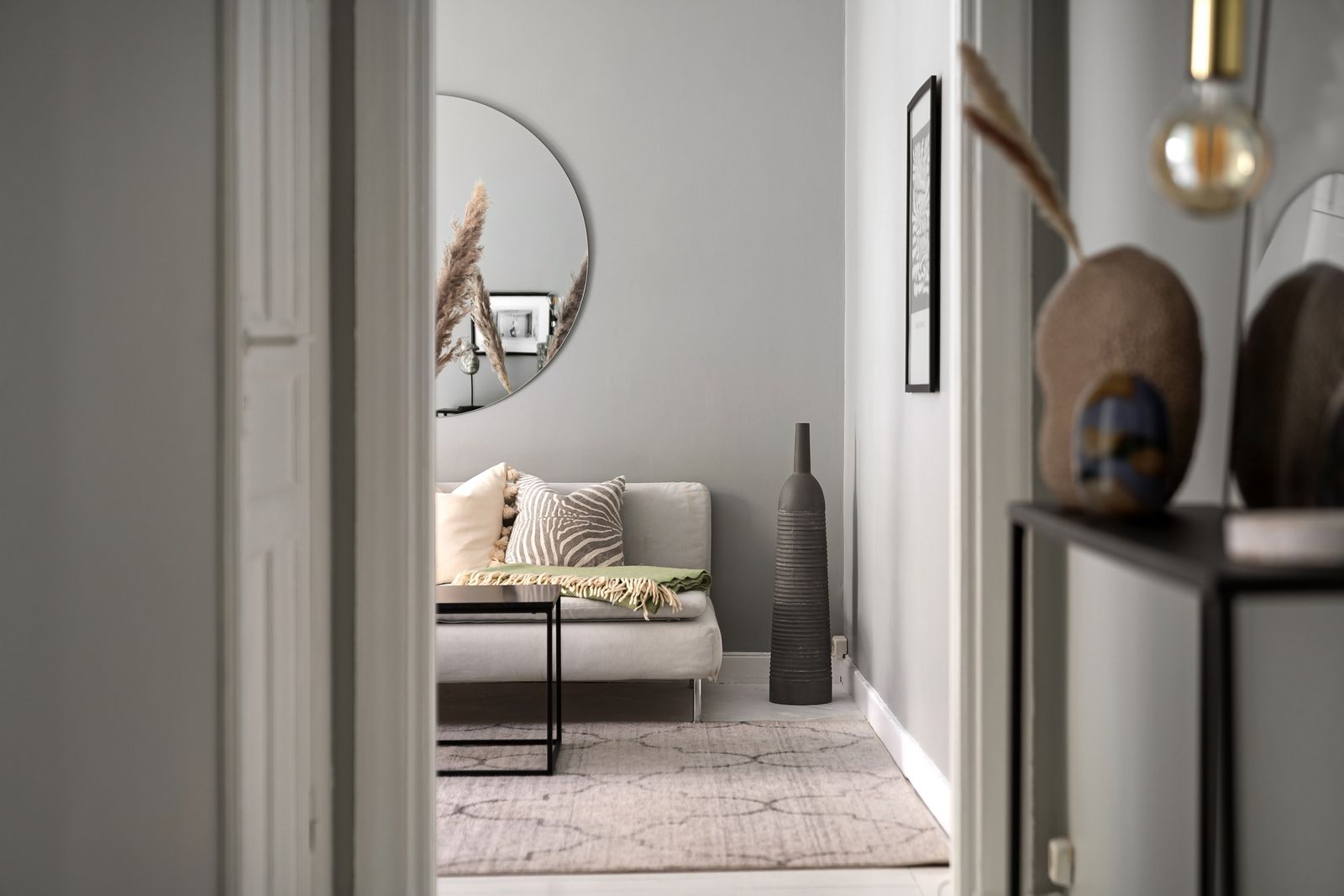
Start at the opening shown in the photograph: its position connects the circulation route to the furniture beyond. The room’s usable layout depends on that transition, not just its floor area.
Capture the actual opening
Record the opening location, hinge side, leaf width, opening direction and relevant projections. Photograph the door both closed and open, with permission where needed. Distinguish a measured opening from a plan assumption, particularly when the room is still under construction.
Place the opening in the measured room baseline. Planner 5D’s room creation documentation provides a useful geometry-first sequence.1 The important output is an identified room model that can be checked against the site.
Draw states, not just rectangles
Mark the door’s swept area and handle projection. Then add relevant furniture operating states: drawer open, dining chair in use, sofa bed extended or cabinet door open. Name each state so another reviewer can reproduce it.
| State | Potential conflict | Useful evidence |
|---|---|---|
| Room door opening | Leaf or handle contacts furniture | Plan overlay and site observation |
| Drawer extended | Blocks entry or another opening | Actual extension dimension |
| Chair occupied | Reduces the route behind it | Agreed use arrangement |
| Two doors open | Handles or leaves interfere | Combined-state view |
Prioritize conflicts by the action blocked
Describe the problem as an interrupted task: “the entrance door cannot reach its intended open position” is more useful than “tight corner.” Separate geometric contact from an uncomfortable route and from a requirement that needs technical review. Assign the latter to the responsible project professional using the applicable project criteria.
Do not use a generic internet clearance as a substitute for the actual user’s needs or a project requirement. Record the agreed criterion, its owner and how it was checked. This makes a later layout change reviewable.
Test one correction at a time
Move the furniture or select a different-sized item and rerun the same states. If a proposed correction changes a door or its hardware, have the appropriate project owner assess that change before treating it as available. A convenient animation does not authorize a construction alteration.
Tape the furniture footprint in an existing room, operate the door and document the result. Keep the site observation separate from the digital prediction. Photograph the relevant contact or route rather than claiming the whole room passed from one successful opening.
Release the corrected layout
Use the conflict worksheet to record each opening, operating state, obstruction and correction. Attach a revised plan and the actual furniture identifiers. Connect the change to the interior revision log so orders and images do not retain the rejected position.
Review the room through the Rendora interior entry, retaining the measured inputs and specific findings with the selected arrangement.
References
- Planner 5D, How to add a room, reviewed October 26, 2026.
About this guide
Rendora publishes practical guides for teams working with configurable 3D assets and traceable production handoffs. Updated October 27, 2026.