In this guide
Review a kitchen using the exact appliance models and cabinet hardware, including open, operating and service states. Closed fronts alone cannot reveal whether handles collide, drawers open as intended or required access remains available. Tie the layout to current installation documents before ordering.
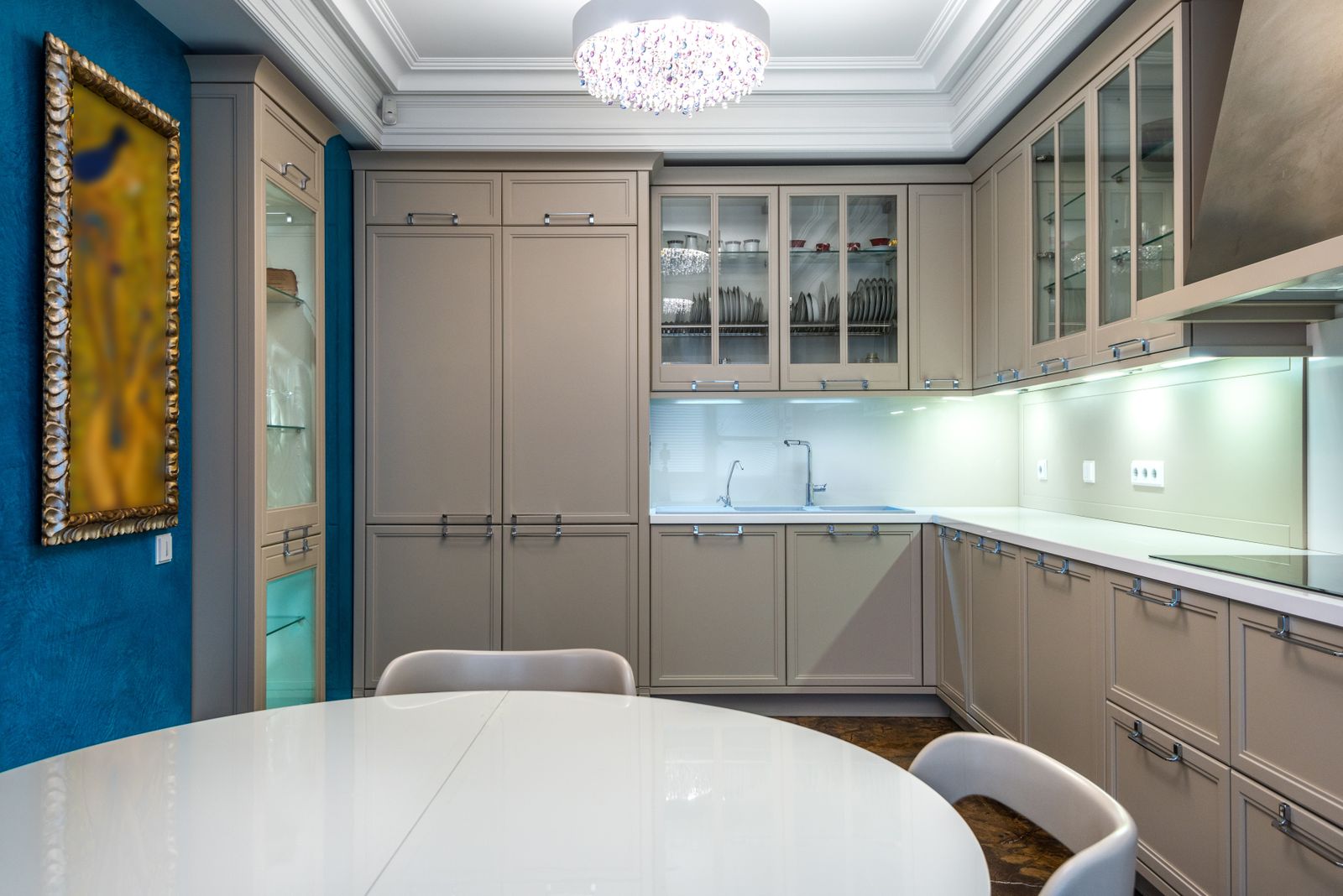
The kitchen photograph illustrates why a polished closed-state view is incomplete: much of the functional envelope appears only when a door or drawer moves.
Measure the room and fix product identity
Record the room’s walls, openings, relevant projections and services using the project team’s measurement process. IKEA’s US kitchen measurement guidance provides a preparation reference.1 Resolve uncertain site dimensions before treating a cabinet arrangement as final.
Obtain the exact appliance identifier and current installation document. A similar-width proxy may omit a handle, hinge behavior or required installation condition. Keep the document with the product record so a substitution triggers a new interface review.
Create an operating-state list
List the movements and access operations that matter to this kitchen. Include nearby doors and furniture where they share the same space. Use manufacturer dimensions for operating envelopes when supplied and identify assumptions that still need confirmation.
| Item | States to review | Receiving evidence |
|---|---|---|
| Refrigerator | Door and drawer movement | Product-specific document and layout check |
| Dishwasher | Door open and loading use | Actual model and adjacent-front relationship |
| Corner cabinet | Hardware movement | Selected mechanism information |
| Adjacent drawers | Full intended extension | Handle and opening interaction |
| Service access | Documented access operation | Installer’s review of the proposed arrangement |
Check combinations, not every theoretical state
Choose plausible combinations that expose the interfaces: an appliance beside a projecting handle, two corner elements, or a drawer opening toward the room entrance. Record the selected states so another person can reproduce the check.
Prioritize actual contact and blocked operations. Then review usability with the intended household or project user. Keep technical installation requirements tied to their document and owner rather than substituting a universal clearance number from an unrelated kitchen.
Control substitutions
If an appliance becomes unavailable, compare more than external width. Recheck the installation conditions, door behavior, visible finish and surrounding cabinet relationship. The FF&E substitution guide covers the decision record; the revision log connects it to drawings and orders.
IKEA’s kitchen planning service also illustrates the value of a dedicated planning review.2 Use the responsible supplier or installer for the actual product and site conditions.
Issue the checked package
The appliance-interface worksheet records measurement revision, model, document, operating state and installer confirmation. Attach the accepted arrangement and unresolved questions. Do not prefill confirmation from a visual inspection of closed fronts.
Use the Rendora interior entry to organize room inputs and presentation evidence, then retain the technical confirmation with the order baseline.
References
- IKEA US, Kitchen measurement guidance, reviewed October 26, 2026.
- IKEA US, Kitchen planning, reviewed October 26, 2026.
About this guide
Rendora publishes practical guides for teams working with configurable 3D assets and traceable production handoffs. Updated October 27, 2026.