An assembly animation should explain a defined sequence using identifiable parts and a known source revision. Specify the audience, steps, camera and accepted motion before production; distinguish a presentation sequence from verified mechanism behavior.
An exploded view can make a product understandable without teaching somebody how to assemble it. A real assembly sequence must also account for access, order, tools and the state of the product at each step.
Choose which job the animation is doing. A sales overview, supplier review and service instruction need different levels of detail.
Start with the question the viewer must answer
For a design review, the question might be whether a filter cartridge can be reached. For a service animation, it might be which fastener is removed first. For an overview, it might simply be how three major modules relate.
Write the expected takeaway for each scene. If a camera orbit does not reveal the relevant interface, it may add motion without adding information.
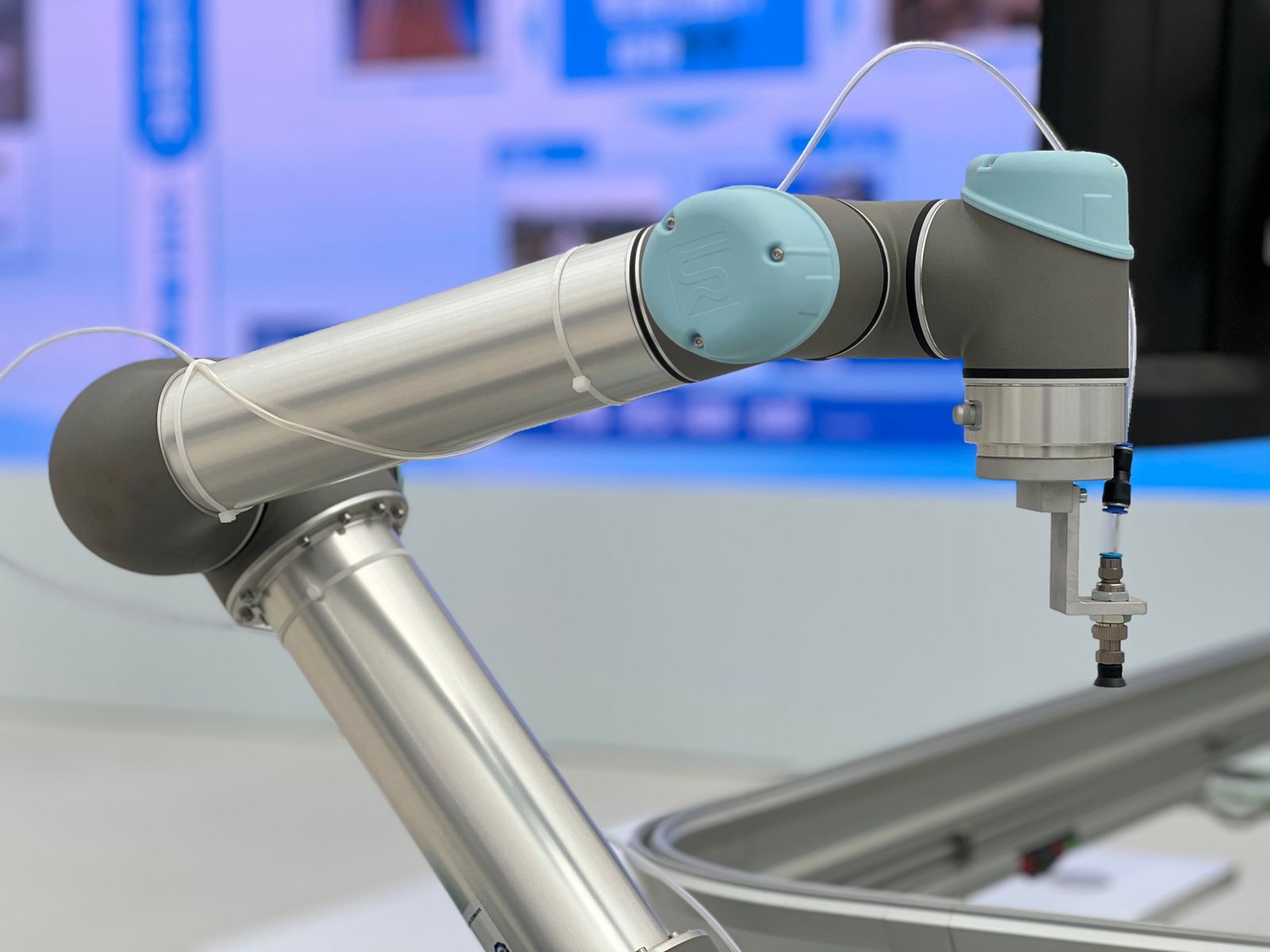
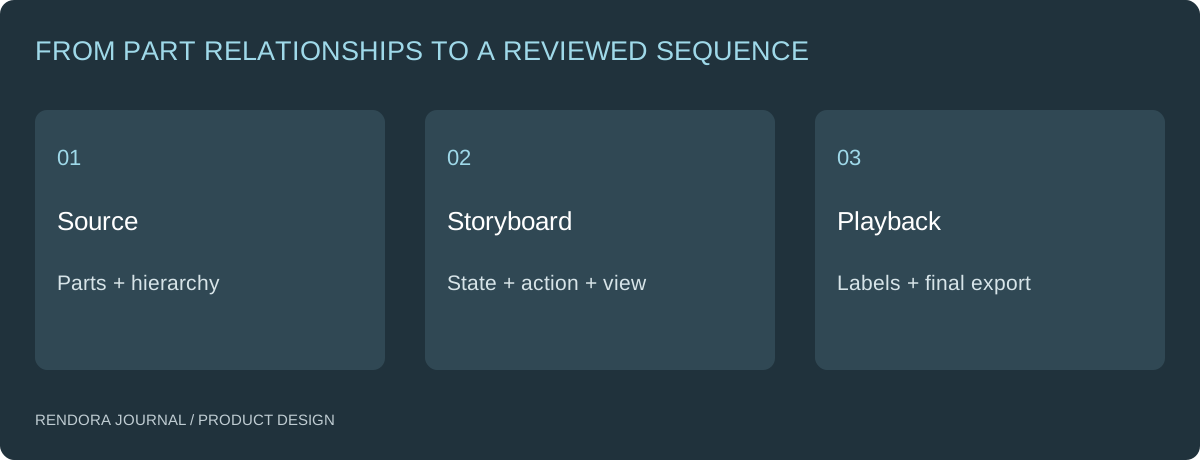
Prepare parts before preparing keyframes
Ask for component names, hierarchy, coordinate system and the assembled reference state. Keep repeated parts identifiable. If all geometry is merged into one object, separating a lid or fastener may become additional modeling work.
Record which parts move together and which are stationary. Identify the pivot or travel direction where it matters. A visual move can be authored for explanation, while a mechanism study requires the appropriate engineering constraints and checks.
Autodesk describes Fusion’s Animation workspace as a way to communicate designs through exploded views and assembly animations. [1] That is a useful presentation role; it should not be confused with the separate simulation work used to evaluate performance.
Make a storyboard that can be reviewed cheaply
Before a polished video, agree a sequence of still frames with component IDs and actions. Use one row per step.
| Step | State change | What must be visible | Review question |
|---|---|---|---|
| 1 | Show assembled reference | Orientation and part identities | Is this the correct configuration? |
| 2 | Remove cover | Fasteners and access direction | Is the proposed sequence understandable? |
| 3 | Reveal module | Connections and neighboring parts | Are the interfaces represented? |
| 4 | Show replacement state | Seating and closure | What must the viewer check before closing? |
These are illustrative storyboard tasks, not instructions for a specific product. For an actual service procedure, have the responsible technical owner review the sequence and warnings for that product.
Keep annotations attached to the relevant part. A label that changes identity between frames can undo the clarity of a good animation. Decide whether the final output needs subtitles, a silent loop, chapter stills or a technical review record.
Define motion and timing in observable terms
Specify the start state, end state, travel direction and whether the movement is illustrative or constrained by a mechanism model. Ask for a pause long enough to inspect the important interface rather than setting an arbitrary total duration.
For a loop, define what happens at the transition back to the start. For a review clip, allow the viewer to stop on a named frame. For an exploded view, preserve enough alignment that components can be related back to the assembled state.
If the animation appears to show clearance, establish whether that clearance was measured in the source. Perspective and simplified geometry can make a near miss look acceptable. Record any actual interference check separately.
Test the exported deliverable
Open the final video or animated model in the receiving environment. Confirm frame rate and dimensions where relevant, labels, duration, playback and the intended start state. For an interactive asset, also check that the animation and component relationships survive import.
If a revision changes a component, identify which steps and annotations depend on it. Do not regenerate an unrelated introduction when only one interface changed; do not retain an old exploded view when its parts no longer match the source.
Use the animation storyboard worksheet to record the approved sequence and final review. The configuration handoff guide explains how to keep the parts list connected to the selected product version.
Where Rendora fits
Rendora’s product design tool includes an optional provider-backed concept-animation path. That operation is not a substitute for a CAD-controlled assembly sequence. Use the source-linked product workflow to organize the brief and evidence, and prepare technical assembly motion in the appropriate modeling or animation environment.
Do I need an exploded view or an assembly animation?
Use an exploded view to explain relationships. Use a sequence when order and state changes are central to the viewer’s task.
Can the camera hide internal parts?
Use cutaways or controlled visibility where needed, but label the simplification and keep the reviewed source identifiable. Hiding an obstructing part is not evidence that access is possible.
What should be approved before final rendering?
Approve part identities, storyboard, camera, annotations and intended motion. Keep appearance polishing separate from changes to the technical sequence.
References
[1] Autodesk Fusion: Workspaces — the roles of Animation, Simulation and other purpose-driven workspaces.
About the author
Rendora Journal covers configurable assets, production checks and traceable delivery workflows.