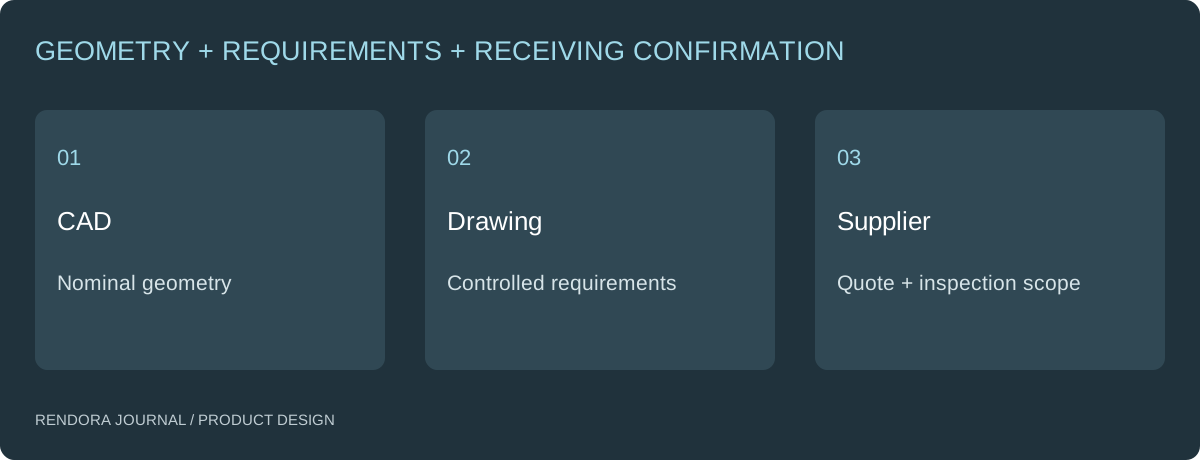
Send the CAD geometry with a drawing or equivalent controlled specification that identifies the part, revision, material, critical dimensions, tolerances and finish. Make the manufacturing and inspection requirements explicit instead of expecting a supplier to infer them from a render.
The supplier opens the model successfully and still asks for a drawing. That request is often about requirements, not an inability to read 3D. The model may describe nominal shape while leaving the acceptable variation and surface requirements unspecified.
Give geometry and requirements different jobs
Use the model for the agreed geometric definition. Use the drawing to communicate the requirements that the supplier must manufacture and inspect, according to the controlling agreement.
State how discrepancies will be resolved. If the CAD and drawing disagree, ask for clarification rather than allowing each person to choose whichever version is convenient.
Shapr3D’s drawing tools include views, dimensions and annotations. [1] Those features support communication; the author still needs to choose the views and requirements that describe the actual part.

Start with identity and the intended process
Include part number, revision, units, material and the relevant production stage. A rough prototype and a finished production part may need different requirements. Make quantity and process expectations visible in the quotation request as well.
If material or process is still open, ask for alternatives explicitly. An empty field does not mean the supplier can substitute anything without review.
| Requirement | Useful question before issue |
|---|---|
| Revision | Does the drawing match the delivered CAD? |
| Units and scale | Can the receiver distinguish the printed scale from the actual dimension? |
| Material | Is the requested grade or agreed alternative identifiable? |
| Critical interfaces | Which features govern fit and function? |
| Tolerances | What variation is acceptable, and how will it be inspected? |
| Finish | Which surfaces receive which treatment? |
| Acceptance | Who resolves questions and accepts the sample? |
Dimension the interfaces that drive the decision
Identify mating surfaces, hole patterns, clearances and other functional features with the designer responsible for the assembly. Use sections and detail views where hidden geometry would otherwise be ambiguous.
Avoid adding precision by habit. Ask whether a tighter requirement is necessary for the interface and whether the selected process can achieve and inspect it. The quote should reflect the actual requirement, not an unstated assumption of perfect geometry.
Protolabs’ CNC guidance distinguishes service conditions for parts with and without technical drawings. [2] This illustrates why specific requirements belong in the quote package; do not assume a supplier’s default covers every critical feature.
Review the document as the recipient will use it
Open the exported PDF, not only the CAD drawing workspace. Check text, dimensions, symbols, sections, page size and legibility at the intended viewing size. Make sure a screenshot or image compression has not obscured a necessary value.
Compare the drawing’s revision with the actual neutral CAD export. If a feature was changed late, inspect its views and annotations rather than assuming they updated correctly.
For supplier feedback, record the part, feature and question. A marked-up drawing is useful when it clearly identifies the requirement being discussed. Retain the marked-up file and the resolution with the next issued revision.
Know what an automatic dimensions sheet contains
A list of width, length and height can summarize a configuration. It does not automatically establish datums, fits, geometric tolerances or a complete inspection plan.
Rendora’s current product design tool can build an SVG dimensional schedule from supplied specification values, alongside BOM data and the retained STEP source. It is a reference schedule, not an automatically generated production drawing derived from parsed CAD geometry.
Use the configuration example to see what those supplied values resolve to. Prepare and review the technical drawing in the appropriate CAD process, then retain it with the same source revision.
Close the quotation loop
Ask the supplier to list departures, unresolved requirements and the process assumed in the quote. Confirm that the quote refers to the issued CAD and drawing set. A successful file upload does not settle those questions.
Before the first sample, agree how critical requirements will be inspected and reported. The prototype checklist provides a structure for turning those requirements into an actual review.
Download the supplier drawing review form and use it before issuing the package.
Does every part need every possible dimension?
No. Define the geometry and requirements needed under the agreed model-and-drawing convention. Have the responsible designer review completeness for the intended process.
Can I send a render instead?
A render can explain visible intent. It does not specify all dimensions, tolerances or inspection requirements. Send it as supporting context.
What if the supplier wants a different format?
Agree the format, preserve the issued source and check the translated file. Keep the receiving confirmation in the handoff record.
References
[1] Shapr3D: 2D Drawings — views, dimensions and annotations.
[2] Protolabs: CNC Machining Services — drawing-dependent service specifications; reviewed October 20, 2026.
About the author
Rendora Journal covers configurable assets, production checks and traceable delivery workflows.