Build a useful 3D layout from a verified room outline and identified furniture footprints. Check dimensions, placement and openings in 2D, use a schematic 3D model to explain the arrangement, then add product detail and presentation materials.
Moving into 3D does not repair a wrong plan. It makes the wrong plan easier to explore. Separate the source geometry from decoration so you can see which decisions depend on measurements and which depend on presentation.
Establish a trustworthy plan first
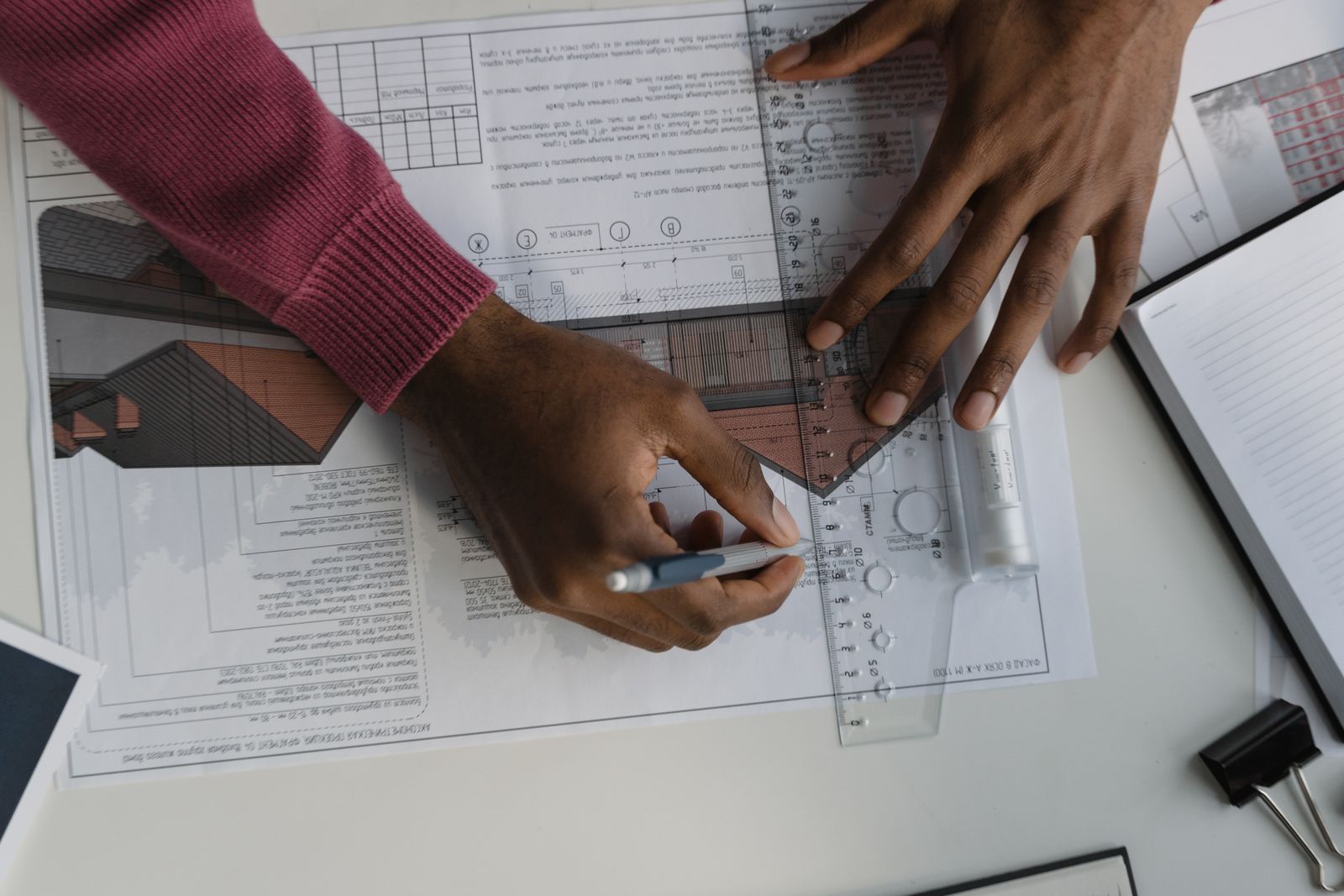
Confirm the source, units, revision and known reference dimensions. Record doors, windows and fixed objects. If the plan is traced from an image, check that scale is consistent in more than one direction.
Planner 5D presents 2D layout creation and 3D viewing as connected stages. [1] The useful discipline is to keep the same room and item identities across those stages instead of reconstructing an unrelated attractive room.
What a blockout should represent
A blockout uses simple geometry to explain volume and position. It is useful for understanding the arrangement, identifying missing inputs and discussing alternatives before detailed modeling.
Name the approximations. If furniture is represented by a box, its height and silhouette may not match the catalog product. If the room lacks a modeled door, the blockout cannot demonstrate a door-swing check.
Keep those tasks in the review record rather than quietly treating the simplified model as a detailed survey.
A downloadable Rendora placement experiment
We authored a 5,000 × 4,000 mm rectangular room with a supplied height of 2,700 mm, a 2,200 × 900 mm sofa footprint and a 400 × 400 mm lamp footprint. We ran the current scene parser, footprint-overlap helper and blockout builder on October 20, 2026.
The sofa begins at x = 400 mm and ends at x = 2,600 mm. The lamp was tested at three positions with an overlapping y range:
| Lamp x position | Footprint relationship | Helper result |
|---|---|---|
| 2,500 mm | 100 mm intersection | Overlap |
| 2,600 mm | Edges touch | No overlap |
| 2,700 mm | 100 mm separation | No overlap |
These are actual results from an authored fixture, not observations from a surveyed room. The helper tests axis-aligned rectangle intersection. The scene’s minimum-clearance field is not used by that helper to approve circulation.
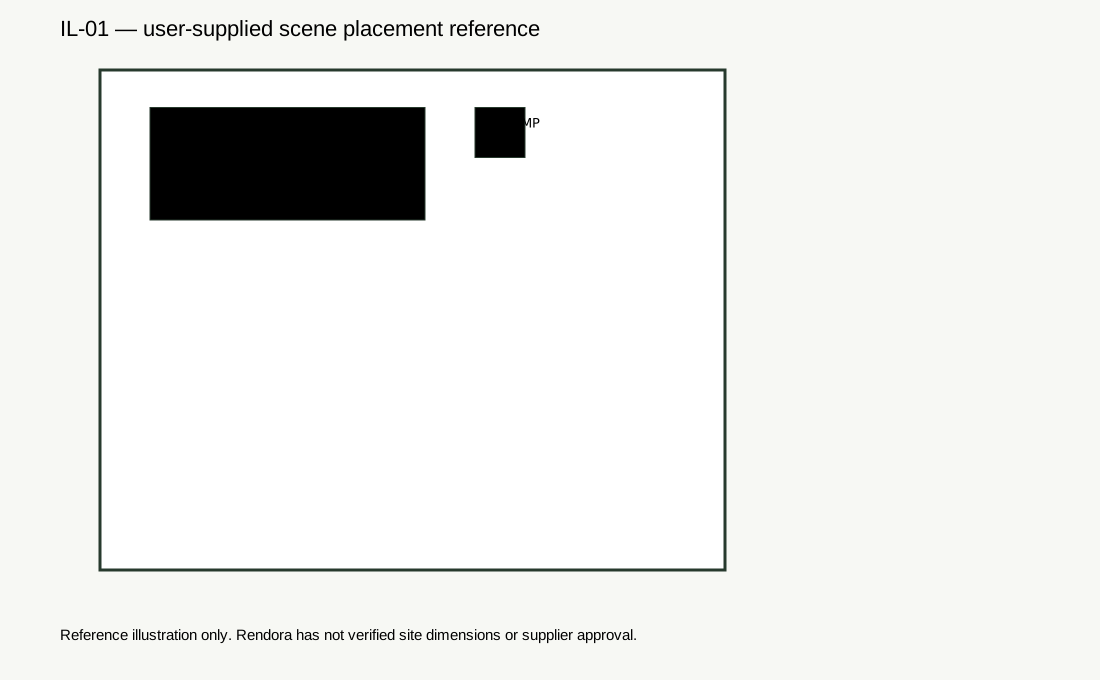
Download the input record, results and hashes, generated GLB and geometry projection PNG. The plan above identifies the supplied footprints; the PNG is a plain projection of the generated mesh. The model has seven box components and 84 triangles: a floor, four walls and two item blocks. Item heights are generic 0.75 m values in the current builder; they are not derived from the supplier products.

Add the checks the blockout does not contain
Review openings, door swings, routes, operating envelopes and actual heights with appropriate source data. Do not infer those checks from a clear-looking perspective image.
The furniture-fit guide separates footprint, use space and delivery. The supplier-model guide explains how to replace a generic representation with an identified product model.
If the software cannot represent a needed condition, retain a separate drawing or measurement check. A missing software feature should remain a visible task, not become an assumed pass.
Style only after the layout question is clear
Once the arrangement is accepted for its defined purpose, add material references and lighting conditions. Keep the geometry revision fixed during a finish comparison so the client is not choosing a material and an unannounced layout change together.
Save comparable cameras for alternatives. A generous wide-angle view of one option and a tight eye-level view of another can bias the discussion. Show the plan alongside the perspective when dimensions matter.
Package the layout for review
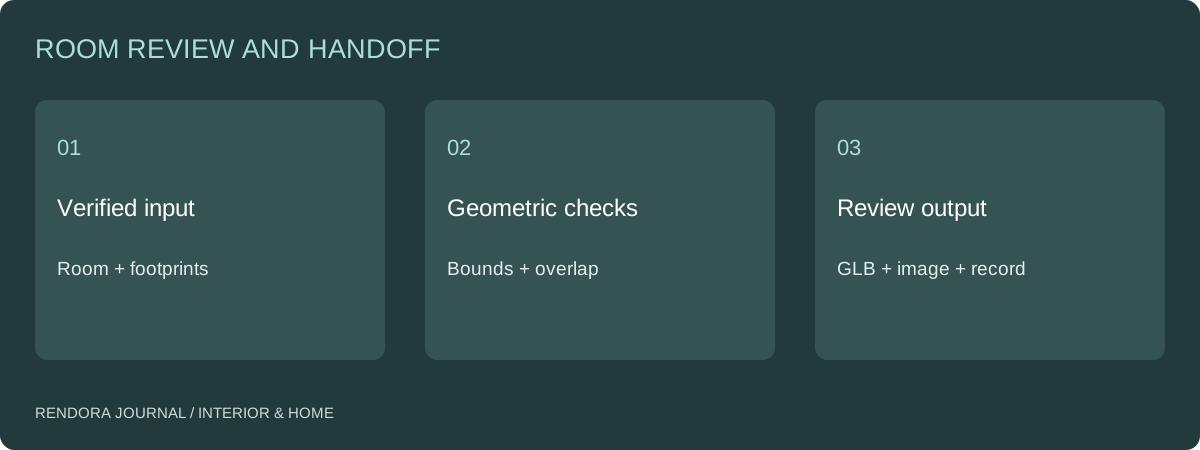
Rendora’s interior tool can produce a proposal JSON, item-list CSV, placement SVG, schematic GLB and geometry-review PNG from supplied room and item information. The handoff guide explains how to combine those files with the remaining design evidence.
Use the layout review form to record the source, checks, missing conditions and accepted configuration.
Does a successful GLB export mean the layout is ready to build?
It means the file was produced. Construction, measured fit and installation requirements need their own reviewed inputs and decisions.
Should I model every decorative object?
Include the geometry needed for the current decision. Keep decorative detail from obscuring the room and product identities that control the layout.
Reference
[1] Planner 5D: 2D Floor Plan Workflow — moving from a 2D layout to a 3D view.
About the author
Rendora Journal covers configurable assets, production checks and traceable delivery workflows.