Accept a furniture model only after checking its exact product identity, units, overall dimensions, origin and material dependencies. Then keep the detailed model separate from the lightweight footprint used for room planning. A convincing chair model is not evidence that it represents the chair on the purchase order.
Interior teams often receive a mixed folder: a supplier’s sofa, a generic dining chair, a heavy decorative lamp and several unnamed materials. Loading everything into one room creates a scene, but not yet a dependable specification. The critical first step is connecting each asset to the item the client can actually order.
Start with the product, not the file extension
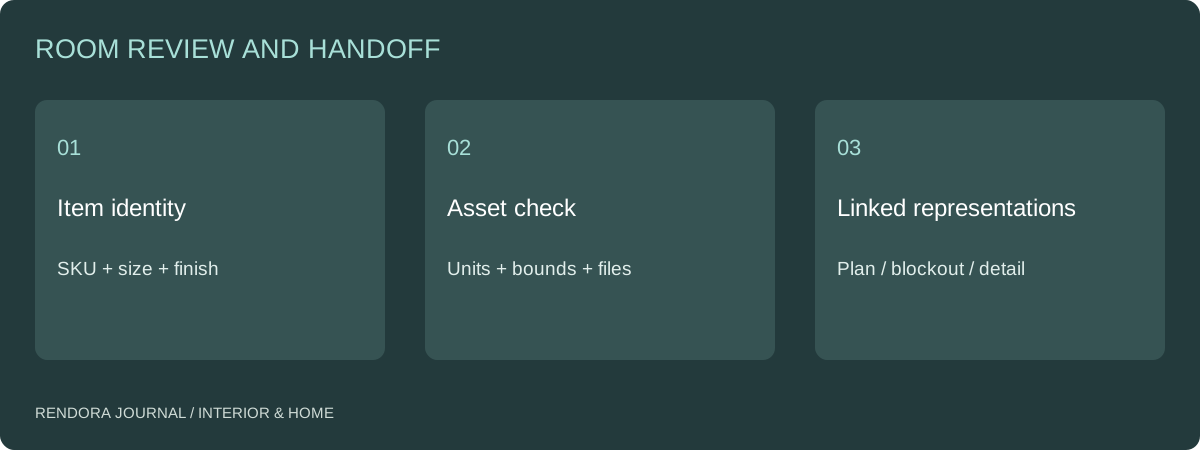
Give every item a stable ID. Record manufacturer, product family, size, handedness, finish code and source URL or document. If the model is only a visual stand-in, label the missing match: geometry, upholstery, leg finish or entire product identity. A stand-in should never silently inherit an approved SKU.
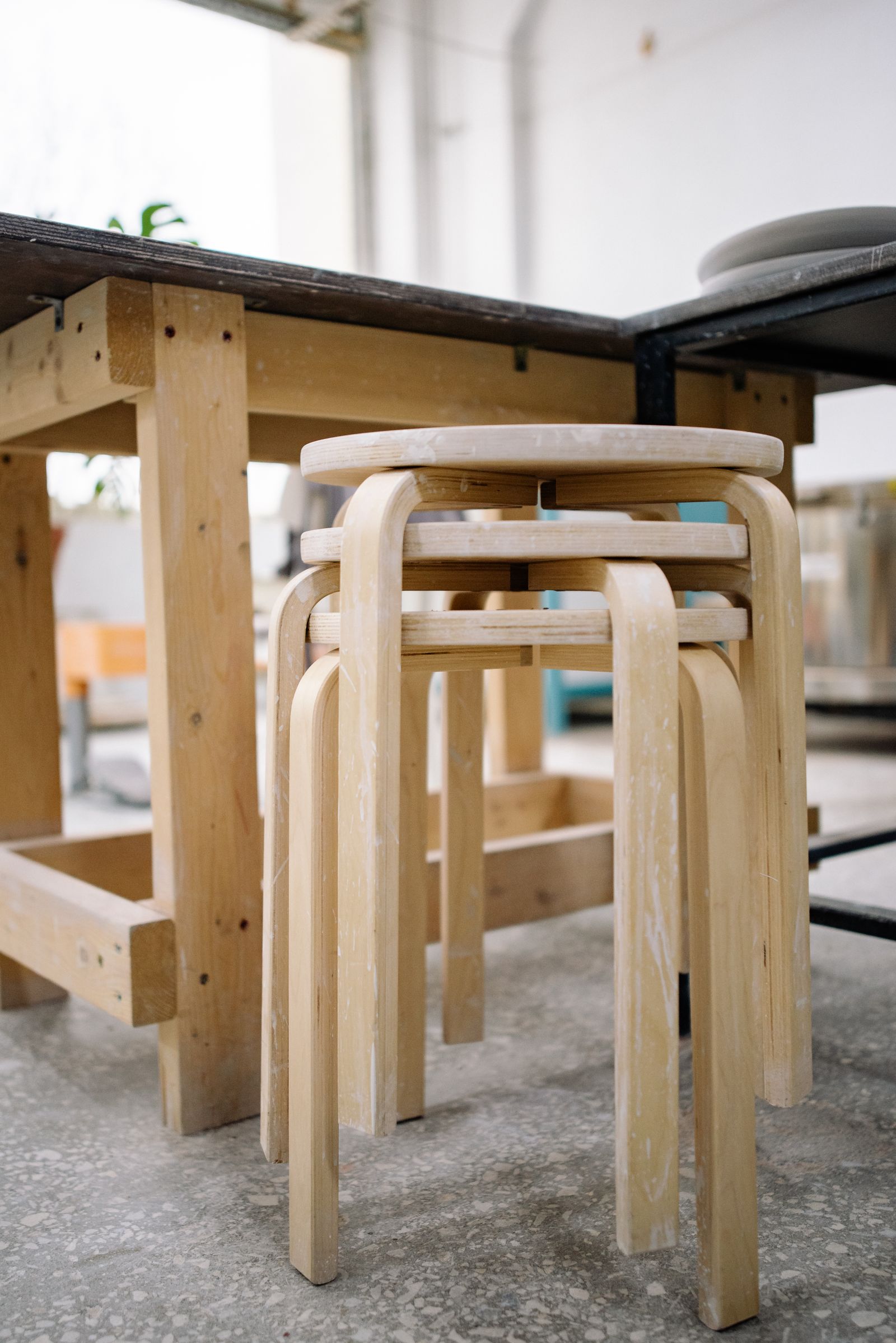
Consider a stool available in two heights. The same thumbnail may appear on both product pages. A model of the lower stool can look plausible beside a counter until someone checks the seat height. Compare the manufacturer’s dimension drawing with the measured model rather than relying on the filename.
Check scale with a known dimension
Open the file in a viewer or modeling application that reports dimensions. Compare at least one horizontal and one vertical dimension with the source drawing. Check whether the dimensions include handles, cushions, feet and other protrusions. Distinguish the packaging dimensions from the assembled product.
SketchUp’s CAD import documentation explicitly includes unit selection in the translation process.[1] The same practical lesson applies to a mixed furniture library: record the unit convention at import, then verify a known length. Do not repair every mismatch with an unexplained scene-wide scale factor.
| Check | What to record | Common failure |
|---|---|---|
| Identity | Product and option reference | Generic asset presented as specified item |
| Units | Source and target units | Millimeters interpreted as meters |
| Bounds | Width, depth, height and drawing revision | Packaging or nominal dimensions used |
| Orientation | Front, up direction and handedness | Mirrored chaise or rotated cabinet |
| Origin | Floor contact and placement point | Object jumps or floats when placed |
| Materials | Texture files and finish mapping | Missing image makes the finish look approved but wrong |
| Rights | Permitted project and distribution use | Supplier asset included in an unrestricted download |
Keep three representations of the same item
Use an item record as the common reference, with separate representations for separate tasks.
The footprint supports plan placement. It needs dependable width, depth and orientation, not intricate stitching. The blockout supports room composition and broad height relationships when those heights are actually supplied. The detailed model supports visual surface review and presentation. These are linked representations, not interchangeable proofs.
If you reduce the detailed mesh for a lighter scene, compare the silhouette and important clearances after reduction. Do not let optimization remove an armrest or change the outline used to assess a route. Keep the supplier original unchanged so you can identify where the derived asset differs.
For Rendora’s current placement blockout, item heights are generic rather than supplier-derived. Use the 2D-to-3D layout example to understand that output before treating it as a detailed furniture model.
Test materials in a neutral review scene
Check missing textures, repeat scale, grain direction and finish assignments before placing the item in a dramatic room. A bright interior can hide a missing roughness texture; a dark interior can hide the wrong fabric repeat. Keep a simple front, side and detail view with the product record.
When a supplier provides several finish options, map the option code to the correct material slot. Do not duplicate the whole model simply to name another color. Link the alternatives to one product master where the geometry is unchanged. Review physical samples through the finish schedule before final procurement.
Make one change and check what moves
Before accepting a model library, run a small revision test. Replace one upholstery option or correct one dimension, then identify which plan, image and item schedule should change. A usable library lets the team update the relevant outputs without losing the previous approval.
Store source revision, model revision and presentation revision separately. If the supplier changes the product, the asset owner can compare the new source rather than overwriting the file named “final.” The furniture-fit checklist should reference the same item revision.
Deliver a reviewable library
Download the furniture-model intake checklist. For each selected item, attach its dimension reference, material dependencies, identity status and permitted use. Leave unresolved checks open with an owner; do not fill them with a general “looks good.”
Use the interior tool for item selection, supplied dimensions and placement proposals. Keep detailed model preparation in the appropriate modeling workflow, and carry the verified item record into the room review. This gives the designer a consistent object to discuss, price and update.
Questions about supplier models
Is a high polygon count a sign of a better model?
Not for every task. A layout asset needs dependable bounds and responsive navigation. A close-up may need more detail. Select the representation for the intended output and verify that simplification has not changed the relevant form.
Can a generic model be used while the product is undecided?
Yes. Label it as a placeholder and retain its assumed dimensions. When the selected product arrives, recheck the footprint, operation and affected views before converting that placeholder into an approved item.
References
[1] SketchUp Help, Importing and exporting CAD files, including import units. Product identity and library acceptance checks above are the proposed working procedure.
About the author
Rendora Journal covers configurable assets, production checks and traceable delivery workflows.