A useful interior material board links each visible surface to a sample, supplier reference, location and review decision. Use the board to compare relationships, then retain a schedule that tells the team which finish belongs where.
A beautiful collage can communicate a direction without telling a contractor which fabric covers the sofa or which paint belongs on the wall. The board and the finish schedule should work together: one explains the atmosphere, the other preserves the selections.
Give the board a question
Decide whether the review selects an overall palette, compares a difficult pairing or accepts a physical sample. Avoid asking a client to approve every technical and commercial detail while looking at an inspiration image.
Identify the regions being discussed: floor, wall, upholstery, trim or a named piece of furniture. Use the same names in the board, model and schedule so an accepted swatch can be located later.

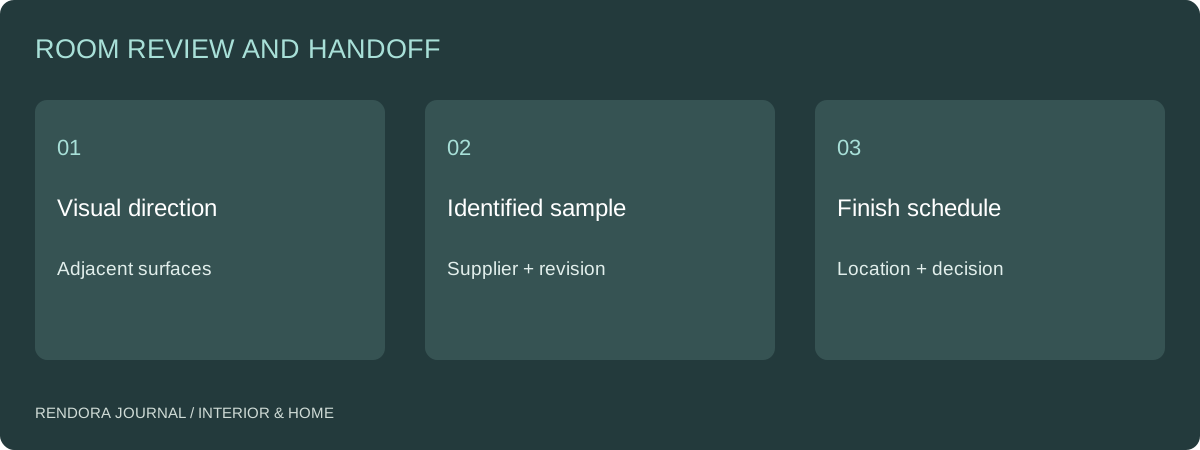
Build a record behind each swatch
Include product code, color or finish code, sample ID, relevant dimensions and supplier date. Record whether the physical sample is available and which conditions were used for viewing it.
| Board element | Keep in the schedule | Follow-up question |
|---|---|---|
| Paint | Product and color reference | Which surface and preparation? |
| Fabric | Supplier, collection and colorway | Which item and upholstery direction? |
| Flooring | Product, finish and format | Which area and installation pattern? |
| Timber or veneer | Species/product and finish reference | Which grain direction and variation? |
| Hardware | Exact finish and part reference | Does it match adjacent selections? |
Keep installation, suitability and maintenance requirements with the responsible designer or supplier. A photographed texture communicates appearance; it does not establish that the material is appropriate for a wet area or a specific use.
Compare the relationships in the actual room
Review the large surfaces first, then the smaller accents. A sample that looks calm on a white board can dominate a room when repeated over a large area.
Use the lighting review to record the conditions under which a pairing was considered. Daylight and electric lighting can change the appearance of the same materials. Keep the physical references available when comparing them with digital images.
For a digital comparison, hold the room geometry, camera and lighting constant while changing the intended finish. If a supplier image has a different light source or white balance, do not treat the resulting browser comparison as a measured color match.
Ask for feedback that identifies a surface
“Too cold” might refer to the wall, the lighting or the total balance of the room. Ask the reviewer which region or relationship needs to change. Record the reference and the requested direction.
An illustrative revision might retain the floor and sofa fabric while comparing two wall directions under the same setup. That gives the client a manageable decision. Changing the rug, camera and light at the same time would make it harder to identify what improved the option.
The product CMF guide uses the same controlled-comparison principle for a single product. In a room, extend it to the locations and surface areas that determine the overall impression.
Keep substitutions visible
If a selected item is unavailable, create a replacement entry with its own sample and supplier information. Identify the neighboring materials that need another review. Do not overwrite the original code and retain its approval as though the products were identical.
Record the price and lead-time effect separately from the appearance decision. The FF&E budget guide shows how to connect a substitution to the commercial schedule.
Deliver more than a mood board
Include the board, finish schedule, sample register, accepted images and unresolved questions. Tie them to the room and layout revision. Houzz Pro’s project-schedule guidance emphasizes coordinating teams and clients around shared project information. [1] Your finish decisions should be discoverable in that same controlled handoff rather than scattered across messages.
Rendora’s interior tool can organize supplied item information and configuration-linked proposals. Keep material samples and the reviewed finish schedule attached to the selected room version; schematic blockout geometry does not reproduce physical finishes.
Download the material selection register. Use blank review fields for the actual client and supplier decisions.
Can I approve a material from an online photograph?
Use it to shortlist. For a decision that depends on color, texture or sheen, agree the physical sample and viewing conditions needed to confirm it.
Should alternatives stay on the final board?
Keep the issued selection clear. Archive alternatives with their status so they remain useful without being mistaken for accepted products.
Reference
[1] Houzz Pro: Creating Your Project Schedule — shared project coordination and client collaboration.
About the author
Rendora Journal covers configurable assets, production checks and traceable delivery workflows.