Review lighting in separate scenes for everyday circulation, focused work and evening use. Approve fixture appearance from images, then check output, distribution and controls against the fixture specification and the room’s actual tasks. A bright-looking rendering does not tell you how much light reaches a desk.
A pendant can be visually perfect and still sit directly in a seated person’s sightline. A room can look warmly lit while the reading chair has no useful task light. These are different failures, and a single dramatic image tends to hide both.
Start with the decisions the room needs to support. For a living room, that might mean reading beside the sofa, reaching the entry switch, watching a screen without a reflected lamp and cleaning the room with all general lighting available. Write those tasks before comparing fixture finishes.
Build a scene list around activities
Use a small set of named operating conditions rather than dozens of arbitrary brightness variants. Each scene should identify the time condition, active fixtures, dimmer state and the activity being reviewed. Keep a separate record for the visual configuration and the electrical specification.
| Scene | Question to answer | Useful evidence |
|---|---|---|
| Arrival | Can a person find the controls and move through the room? | Entry view, switch locations and route |
| Reading | Does the selected chair have a suitable light source? | Seated view and fixture output information |
| Screen use | Are visible sources or reflections distracting? | View from the actual seat toward the screen |
| Evening conversation | Are faces and nearby surfaces legible without an exposed source dominating? | Eye-level view with the intended fixtures on |
| Cleaning | Are corners and storage areas covered? | General-lighting scene and specification review |
The US Department of Energy’s lighting guidance treats lighting quality and energy use as design concerns, not simply a choice of decorative fixture.[1] Use the specification process to address both; do not infer efficiency or illumination from image brightness.
Freeze exposure before comparing alternatives
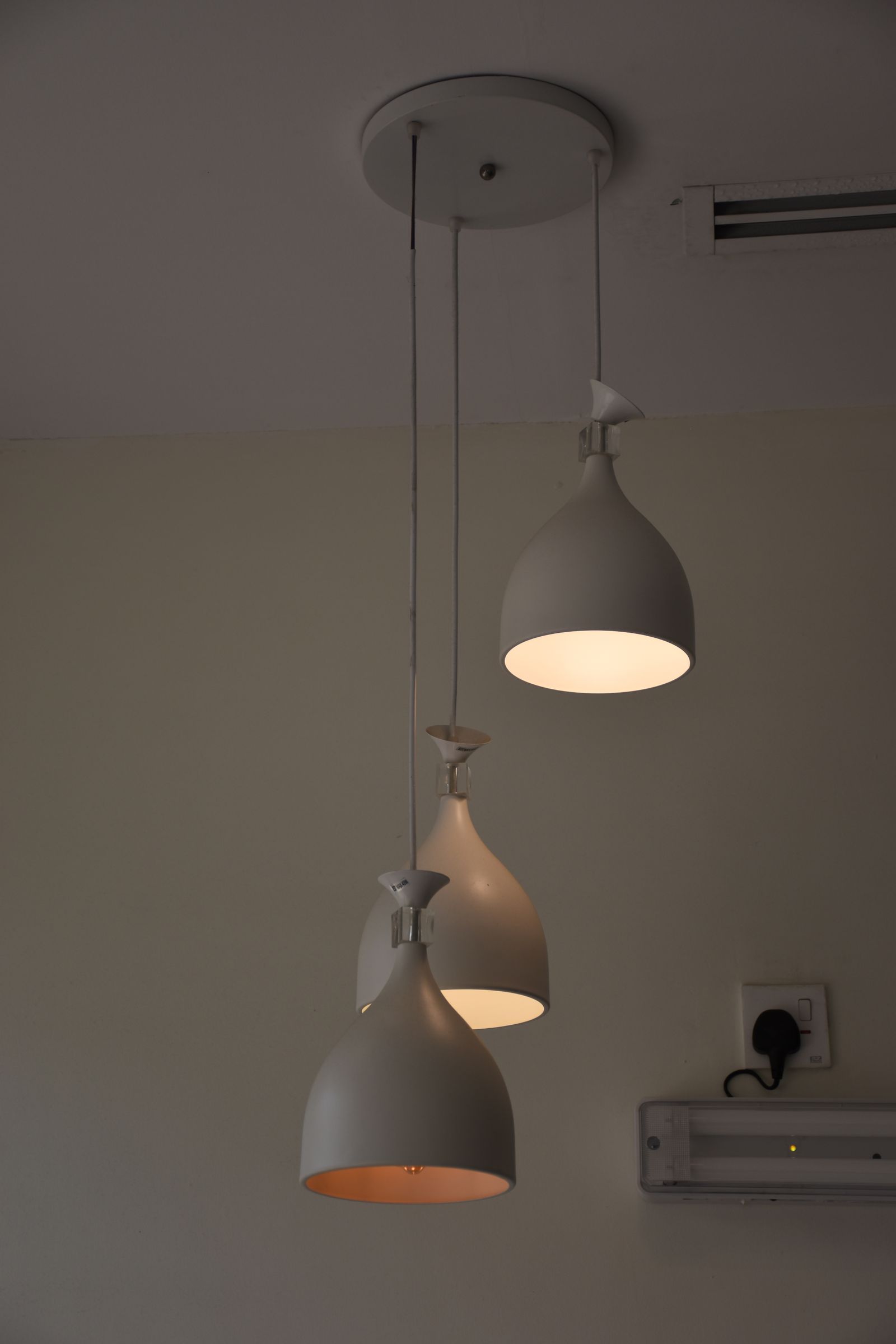
If one lighting option uses a different camera exposure, the image can make a weaker source appear equally bright. Keep the camera, tone mapping, white balance and room materials fixed for a controlled visual comparison. State whether daylight is present. Compare the same crop, especially around faces, work surfaces and glossy finishes.
Ask the visualization provider which settings changed between versions. A fixture change, exposure change and material change belong in separate revision notes. Otherwise reviewers may approve the mood of a post-production adjustment rather than the proposed lighting arrangement.
For finish selection, place the physical sample under the planned lighting as described in the material-board review. The image is useful for relationships and composition; the sample connects that discussion to the actual material.
Check the fixture record, not just the model
For every selected product, collect the manufacturer, exact model, dimensions, mounting method, light output, color characteristics, beam or distribution information, controls and installation requirements. Mark unspecified values as open questions. A visually similar replacement may have a different driver, distribution or mounting detail.
Treat dimming as a combination of fixture, driver and control. Record the intended combination and obtain confirmation from the relevant suppliers or installer. Keep the confirmation beside the item record rather than burying it in an email thread.
When an illumination question requires calculation, commission the appropriate calculation with the actual geometry, surface assumptions and luminaire data. Keep its results separate from artistic image adjustments. The review question determines the evidence: appearance needs a view; quantified performance needs a defined calculation or measurement.
Run a short review that produces decisions
- Label the room and drawing revision. Confirm ceiling height and furniture positions from the current room measurements.
- Review each activity scene from the occupied position, not only a wide corner camera.
- Mark exposed sources, screen reflections, mounting conflicts and unresolved fixture data individually.
- Assign each issue to a designer, supplier or installer and record the next piece of evidence needed.
- Reissue only the affected views and specification entries, retaining the previous decision record.
Do not solve a mounting conflict by quietly moving the ceiling point in the image. If the design changes, update the plan and installation information as well. That is the difference between making a picture work and making a coordinated choice.
Make the handoff explicit
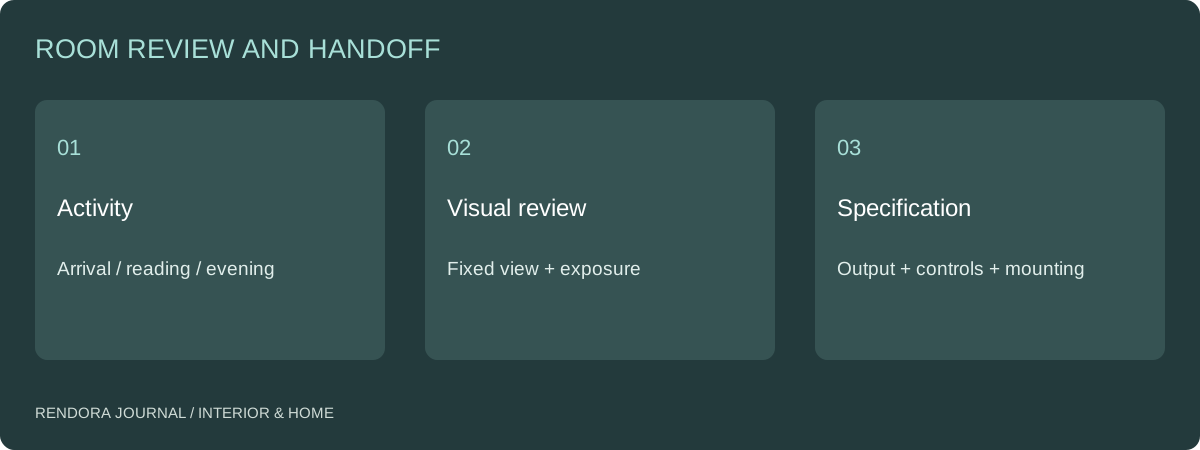
Use the lighting review sheet to connect a scene, activity, fixture reference and unresolved check. Its result fields are blank so the project team can record the actual review. Attach the reviewed image revision and any calculation or supplier confirmation to the same row.
The Rendora interior tool can organize selected room items and produce a placement-based proposal. Its geometric blockout is useful for arrangement review; use the fixture documentation and a suitable lighting workflow for photometric decisions. Carry the agreed items into the client handoff.
Questions designers ask
Should every fixture be on in the final rendering?
Only if that represents the scene being discussed. Separate everyday and all-on views when they answer different questions. Label the operating condition so a client does not interpret a staged image as the normal setup.
Can I compare two lights using different suppliers’ marketing photographs?
Use them to compare form and documented specifications, not relative illumination. Different rooms, exposure and processing make the photographs unsuitable as a controlled brightness test.
References
[1] US Department of Energy, Energy-efficient lighting guidance. The activity-based review and handoff procedure above is an editorial workflow, not a prescribed calculation method.
About the author
Rendora Journal covers configurable assets, production checks and traceable delivery workflows.