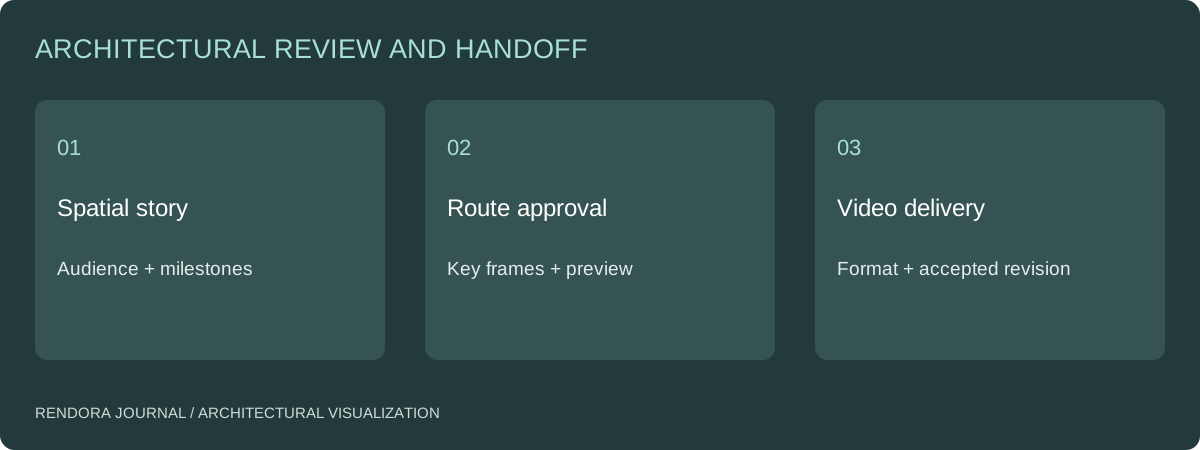
Plan an architectural walkthrough as a sequence of decisions and spatial explanations. Approve the route, key frames, timing and visible design revision in a low-cost preview before producing the final video. Specify the delivered format separately from the creative sequence.
A walkthrough can be technically smooth yet leave the viewer unsure where the entrance is or how the rooms connect. The remedy is usually not another cinematic effect. It is a clearer route and a storyboard that tells the production team what each segment must communicate.
Start from the viewer’s task
An owner comparing circulation needs a different sequence from a prospective tenant exploring amenities. Define the audience, the question and the intended viewing context. A short presentation shown in a meeting can rely on narration; an unaccompanied web video needs enough orientation to stand on its own.
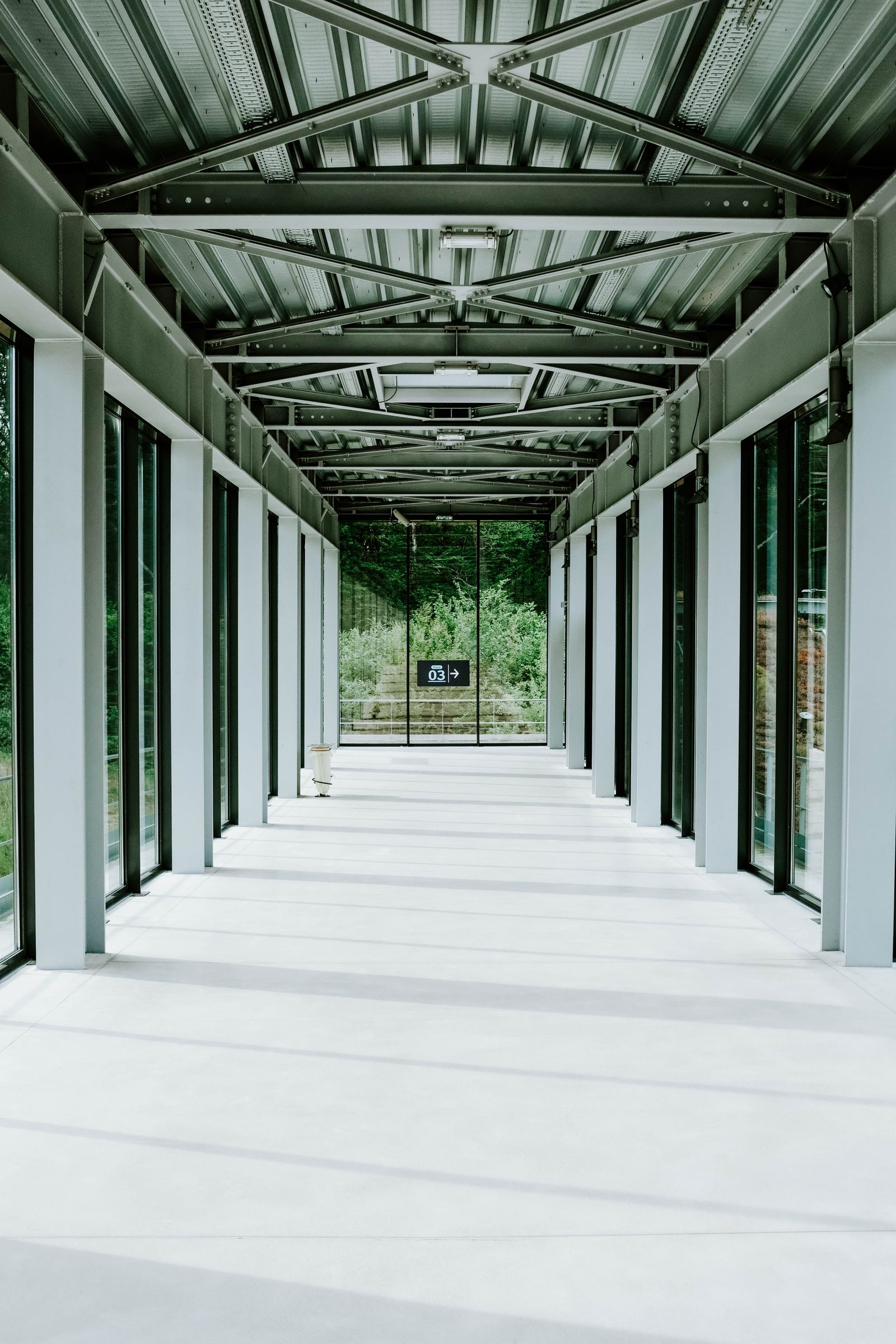
List the spatial milestones before setting a duration. For example: establish the site, approach the entrance, cross the threshold, reveal the principal room, explain the connection to an outdoor space, close on the selected design. This is an authored sequence framework, not a prescribed number of shots.
Give every segment an acceptance question
| Segment | Question | Review before final output |
|---|---|---|
| Establishing view | Where is the project? | Context extent and orientation |
| Approach | How is the entrance found? | Route, obstructions and visible entrance |
| Threshold | How do exterior and interior connect? | Door state and camera transition |
| Principal space | What is the main spatial relationship? | Framing and time to understand it |
| Connection | Where does the route go next? | Continuous orientation or explicit cut |
| Closing view | What should the audience remember? | Agreed design and closing information |
Attach a key frame to each segment. Record the source revision, camera height, movement intention and any objects that must operate or change state. A door that needs to open is a production dependency, not something to discover during the final render.
Separate route approval from finish approval
Review a simple motion preview first. Check whether the viewer can follow the route, whether the camera crosses geometry, whether turns are comfortable to watch and whether important spaces have enough screen time. Use the actual target display where practical; a sequence that feels clear on a desktop may be hard to read on a phone.
Then review materials and lighting on selected frames. Keep the accepted camera path unless a design or communication issue justifies changing it. If the source model updates, identify affected segments rather than rebuilding the sequence without a change record.
The BIM handoff guide helps establish a stable base for that update process. The camera review guide provides the corresponding discipline for individual views.
Specify timing and output separately
State the intended duration and pacing, then specify aspect ratio, resolution, frame rate, format, audio and caption requirements. Confirm whether alternate aspect ratios are reframed versions or separately composed sequences. A vertical crop can remove the spatial cue that makes a wide shot understandable.
Twinmotion’s video export documentation separates output settings such as format and resolution from the authored media.[1] Use that distinction in the commission: a second encoding of the same sequence is not the same creative scope as a new route.
For arithmetic planning, duration multiplied by frame rate gives the frame count. An authored example of 30 seconds at 30 frames per second contains 900 frames. That number alone does not predict production time; scene complexity, rendering method and revision scope still matter.
Define revisions before production
Separate route changes, design changes, finish changes and output corrections. A new entrance location can affect geometry and several shots. Correcting an export name is a different task. Record the approval gate after which a route change requires a revised scope.
Use the walkthrough storyboard sheet to retain segment purpose, key-frame evidence and decisions. The Rendora architecture tool can organize the source, massing and viewpoint records for a review. Produce the camera-path video in the selected visualization application and return its revision to the decision package; the current architecture delivery does not automatically render a walkthrough from those records.
Walkthrough questions
Is one continuous camera path better than edited shots?
Choose the method that explains the project. Continuous movement can preserve adjacency; cuts can remove unhelpful travel. Use orientation cues when a cut changes location so the viewer understands the new position.
Should the video be rendered before the client sees it?
Show a route preview first, followed by selected finish frames. Approving both before final production makes feedback specific and reduces the risk of discovering a basic storytelling problem at delivery.
References
[1] Epic Games, Export settings for videos in Twinmotion. The segment review and frame-count example above are an editorial planning method.
About the author
Rendora Journal covers configurable assets, production checks and traceable delivery workflows.