A concept model supports design exploration; engineering CAD defines geometry and interfaces for an agreed production task. Move between them by resolving dimensions, components, materials and manufacturing requirements, then verify the exported handoff against the source. Changing the filename or format is not that transition.
An impressive 3D concept can help a team select a form in minutes. The manufacturer may still need to ask how the enclosure closes, where the board sits and which surfaces control assembly. That is not a failure of visualization. It is a different information requirement.
Ask what the recipient must do
A stakeholder may need to inspect proportions. A mechanical designer may need to edit the enclosure around a connector. A machinist may need geometry plus specified tolerances and finish. A simulation analyst may need simplified solids and material properties.
Match the handoff to that operation. Do not define “engineering-ready” as merely opening in a CAD application.
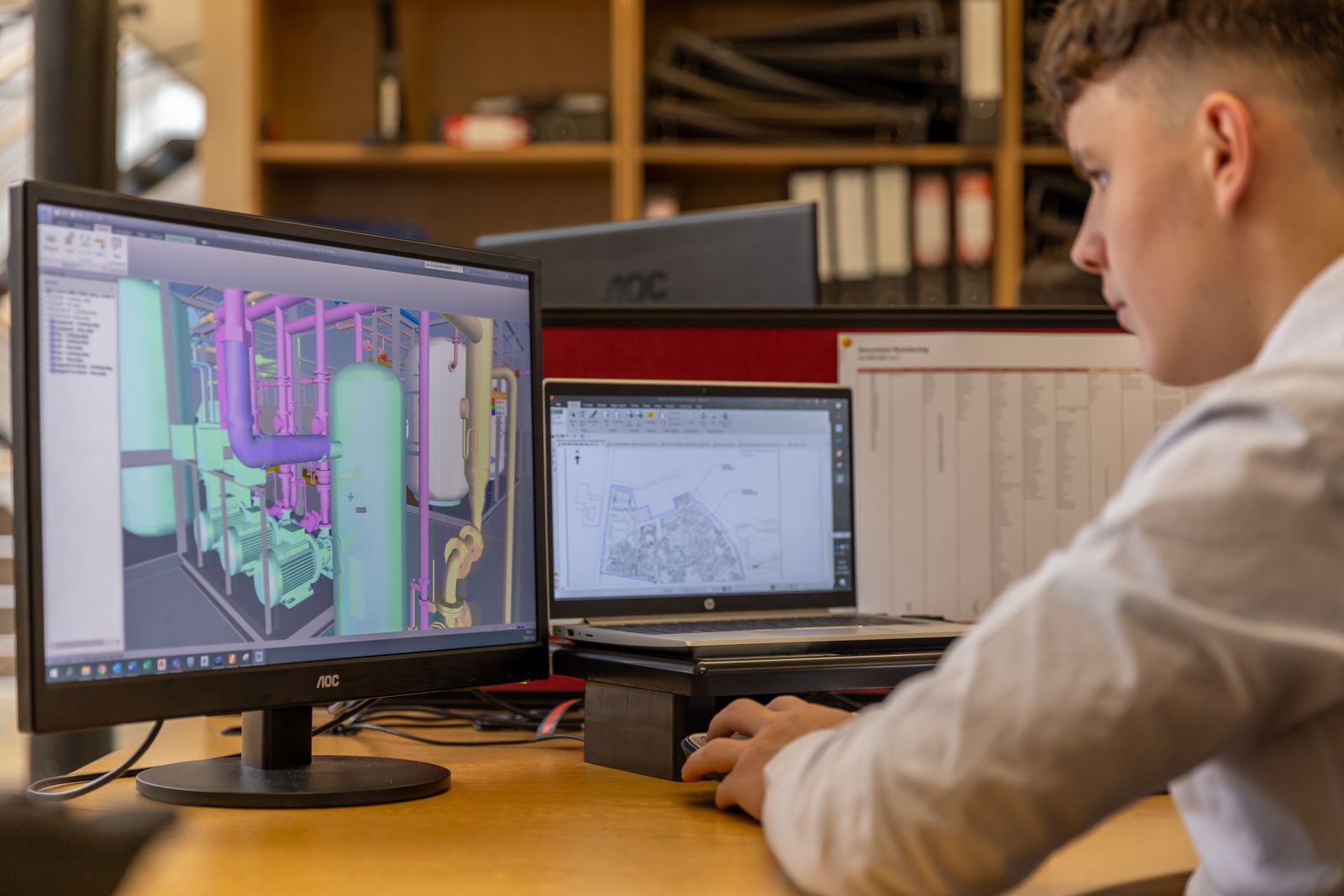
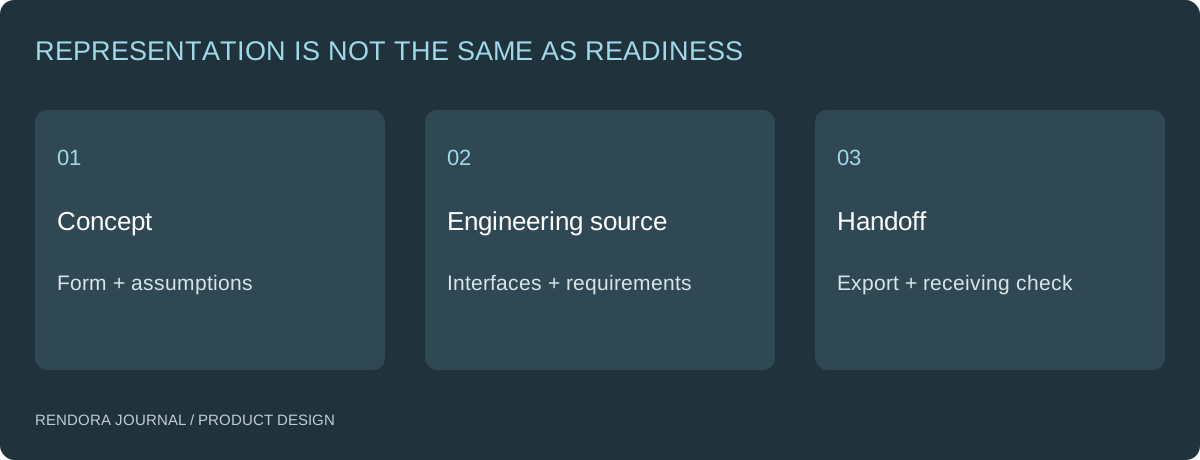
| Question | Concept review | Engineering handoff |
|---|---|---|
| What is the shape? | Comparable views and editable exploration | Identified, dimension-controlled geometry |
| How does it fit? | An envelope or assumption | Defined interfaces and review evidence |
| What is it made from? | Appearance intention | Material specification for the selected process |
| How is it assembled? | Proposed arrangement | Component identities and assembly requirements |
| What is accepted? | A named design direction | A scoped release and verification record |
Preserve design intent while rebuilding uncertain geometry
Identify the surfaces that were accepted for appearance, then identify the interfaces that must match actual components. Reconstruct or refine the engineering source with those constraints visible.
For a handheld enclosure, the accepted silhouette might remain while wall sections, bosses and access features change. Those changes should be reviewed against both the interface requirements and the original appearance decision. Otherwise an engineering correction can unexpectedly become a new visual design.
If the concept came from a photograph or optional AI generation, locate the inferred geometry. A plausible hidden surface is still an assumption until it is defined. Keep the reference and the decision record so the engineer knows what can change.
Choose an export for the operation
Native CAD preserves the document’s editing context. A neutral CAD exchange file can communicate geometry between compatible systems. A mesh can serve visualization or an agreed print-preparation route. Ask the receiver to open one representative file and check a reference dimension before exchanging the entire assembly.
Shapr3D’s supported-format documentation distinguishes native, CAD and mesh exchange options. [1] Check the actual applications and versions at both ends rather than treating every “3D file” as equivalent.
Keep the original source and export connected through a revision and checksum. If a translation loses an object or changes geometry, you should be able to identify which source produced it and issue a corrected derivative.
Passing a file check is one part of the chain
A container check can establish that a file has the expected outer structure. It cannot establish that the assembly fits or that the submitted dimensions agree with the geometry.
Rendora’s current product-source path checks a STEP Part 21 container and file hash. The specification package can retain that source alongside supplied dimensions and BOM data. Those checks do not parse STEP solids or verify engineering approval. Use the source record to connect the designer’s and manufacturer’s actual reviews.
The configuration and BOM example demonstrates what the current specification resolver calculates from supplied data. It is useful precisely because the calculation and the geometry review are identified separately.
Decide when a concept can leave exploration
Create a gate with the questions needed for your next production task: source identity, critical interfaces, material assumptions, open issues and receiving requirements. Assign each question to an owner.
Do not require every future production detail to be settled before an early prototype. Instead, define what that prototype will prove and which assumptions it intentionally carries. The prototype acceptance guide helps keep that experiment focused.
For supplier quotation, collect the requirements that affect process and price. For production release, retain the receiving review and accepted files. A quote and a manufacturing release are separate decisions even when they use the same CAD revision.
A practical next handoff
Download the CAD readiness register. Start with the actual receiving operation and list the missing inputs. Then use Rendora’s product design tool to organize the source, configuration and handoff evidence.
Can converting a mesh to STEP make it manufacturing-ready?
A conversion may change how the geometry is represented. It does not supply missing dimensions, interfaces or process requirements. Inspect the resulting geometry for the intended operation.
Is a render useful to the manufacturer?
Yes, for explaining visible intent and identifying important surfaces. Send it alongside controlling geometry and requirements, with the source revision stated.
Must every concept be rebuilt from scratch?
No. Inspect what is already trustworthy and preserve it. Rework the parts whose geometry or intent is insufficient for the next task.
References
[1] Shapr3D: Supported File Types — native, CAD and mesh exchange options.
About the author
Rendora Journal covers configurable assets, production checks and traceable delivery workflows.