The previews are approved, but the final package is missing a material source and the engine test used an older mesh. Nobody is sure whether the artist’s next fix belongs to the agreed scope or a new request.
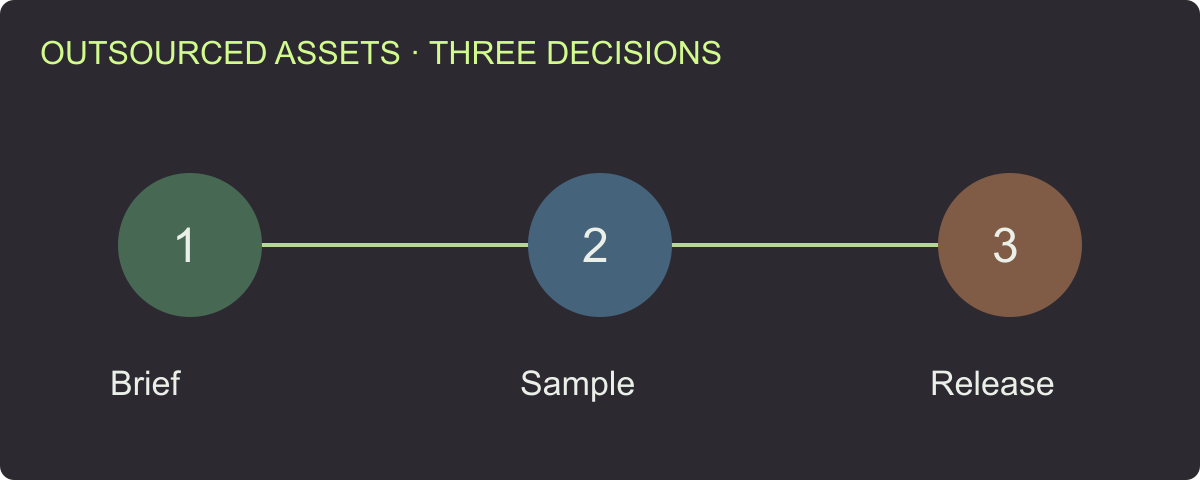
Set acceptance at three milestones: a clear brief, one complete sample and a traceable final delivery. Tie each review to named files and revisions, distinguish corrections from changed requirements, and record the decision before the commercial closeout.
This guide is for producers and small teams buying custom game assets. Use the outsourcing acceptance register to track deliverables and decisions. Use the technical checklist for the underlying geometry, materials and runtime tasks.
Put the receiving task in the brief
Specify the asset family, appearance references, intended interactions, target engine/importer and platform. List source files, runtime derivatives, textures and evidence the team expects to receive. Give each asset an ID that can remain stable through revisions.
Agree who reviews art, technical setup and gameplay behavior. A producer can coordinate the release, but the reviewer responsible for an interaction should confirm that interaction. Keep one consolidated correction record so the artist receives a coherent decision.
| Brief item | What to agree before production |
|---|---|
| Appearance | References, required views and how sample approval works |
| Destination | Engine/importer version and intended setup |
| Runtime | Geometry/texture limits, LOD roles and collision purpose |
| Source scope | Editable master, linked files and export recipe |
| Commercial scope | Agreed usage, deliverables, revisions and payment milestones |
| Review process | Owners, correction windows and acceptance record |
Ask both sides to identify ambiguous items early. If the character must support specific clips, name them. If the environment must snap to a grid, record the dimensions and sample assembly. “Works in the engine” is too broad to settle these details later.
Approve one complete sample, not only a beauty view
Select a sample that exercises the actual pipeline: a representative prop with the required materials and derivatives, or a character with representative deformation and clips. Request source files, runtime files and receiving evidence together.
A finished front view answers an art question. The complete sample also tests whether dependencies arrive, naming is understandable and the receiving setup can be reproduced. Resolve those process issues before multiplying the workflow across a batch.
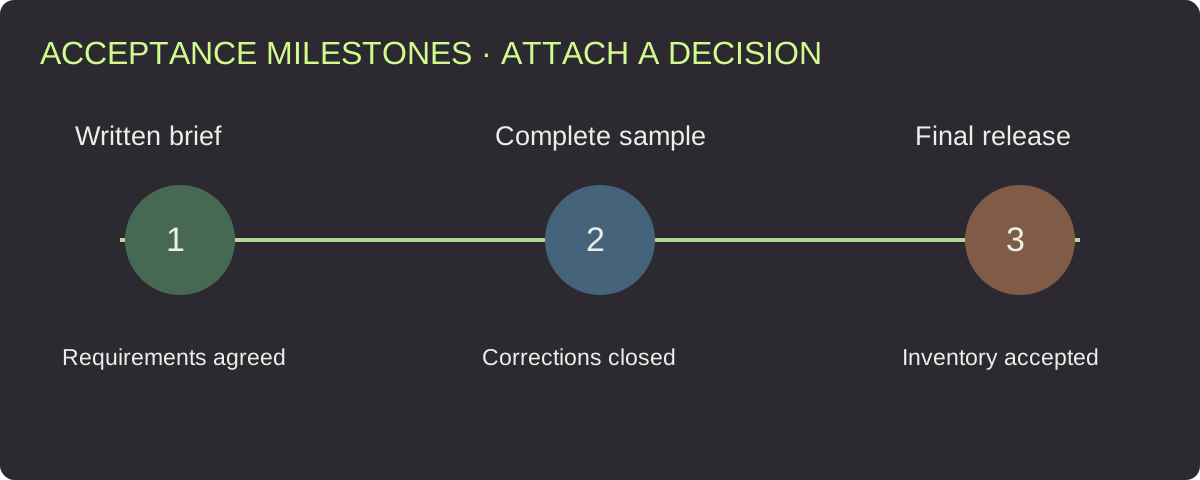
Attach one explicit decision to each milestone and retain the revision that was reviewed.
Use a small acceptance record: expected result, actual file, observation, correction and decision. Leave the final result open until the reviewer completes the check. This gives the artist a concrete target and the team a useful reference for later assets.
Distinguish a correction from a changed requirement
A missing texture required by the brief is a correction. Adding a new material option after sample approval changes the requirement. Record the distinction before deciding scope and schedule with the supplier.
Consider a planning example: the sample crate was approved with a fixed lid. The team later requests an opening lid and a new interior. That request introduces geometry, component, pivot and interaction work. List those changes explicitly rather than treating them as a minor export fix.
For a correction, retain the original requirement and observed failure. For a change, record the new expected result, affected assets and agreed next step. Keep both in the same version history so neither side has to reconstruct the conversation from scattered screenshots.
Inspect the delivered package from a clean location
Download and extract the final package independently of the artist’s project folder. Open the intended files and check their dependencies against the manifest. Confirm that the source and runtime versions correspond to the accepted revision.
| Delivery group | What to verify | Owner |
|---|---|---|
| Master/source | Agreed editable files and dependencies open | Source/technical reviewer |
| Runtime meshes | Correct revision, dimensions and derivative roles | Technical artist |
| Textures/materials | Files, role mapping and appearance | Art/technical reviewer |
| Collision/behavior | Intended interaction in receiving setup | Gameplay owner |
| Reports | Exact inputs, findings and open corrections | Technical reviewer |
| Release inventory | Asset IDs, revisions, scope and accepted files | Producer |
Use the format choice guide if the package mixes GLB, FBX and authoring sources. A retained rig reference, an editable master and a runtime export should have distinct roles in the inventory.
Require evidence that matches the claim
For a readable-file claim, retain the file report. For an appearance decision, retain the relevant views and reference. For an engine behavior claim, retain the receiving version, settings, test scene or reproducible observations.
The GLB validation article demonstrates how a format-valid file can still miss an intended attribute. That is why the final review should connect file checks to the written brief and receiving behavior.
If a supplier provides an engine screenshot, check which file revision it represents and whether it exercises the required task. For a character, ask for the required actions; for a modular kit, inspect a representative assembly; for a collider, test the intended interaction.
Recheck the affected group after a repair
Ask the artist to identify changed files and the issue each replacement addresses. Review the replacement against the original finding and inspect relevant shared dependencies.
For example, a corrected material shared by several props should trigger a review of that group. A pivot repair on one object should not silently mark every object accepted. Keep the scope of the retest visible in the register.
Preserve the prior accepted package until the new release is reviewed. Then mark the replacement clearly and retain enough history to explain the change. This avoids the recurring problem of several folders called “final” with different contents.
Make the final decision actionable
Use a clear decision such as accepted, corrections requested or awaiting a named check. List any agreed exclusions and outstanding actions. Connect the decision to the exact package and review owners.
Before commercial closeout, reconcile the accepted inventory with the agreed deliverables and milestone. Record source-file delivery and usage scope in the supplier agreement and project records. Resolve open questions with the supplier rather than treating a technical report as a substitute for those terms.
Download the release inventory template to identify the package, files, source revision, review record and decision. Keep this alongside the original brief and correction history.
Use Rendora to organize the technical handoff
The game asset tool brings supplied GLB source, LOD/collider files, PBR maps and model evidence into an organized technical delivery. Set the destination and budgets, inspect the report and retain the receiving-engine review with the acceptance decision.
For repeated asset families, keep shared rules and sources versioned. Use the LOD/collision review and PBR mapping guide when a correction affects several derivatives or materials.
FAQs
What should I approve before a large asset batch?
Approve one complete representative sample, including source/runtime files, dependencies and the intended receiving review.
What if the preview is approved but the package is incomplete?
Identify the missing agreed deliverables and request a corrected package. Retain the appearance approval separately from the file-delivery decision.
How do I avoid repeated revision disputes?
Keep one consolidated record linking each request to an original requirement or a new scope change, with the affected files and agreed next step.
Does a validation report replace the final review?
Use the report for its file checks, then complete the art, behavior and delivery decisions assigned by the brief.
Technical reference
[1] Khronos glTF Validator: technical file reports used as one part of acceptance.
About the author
Rendora Journal covers configurable assets, production checks and traceable delivery workflows.