A useful product-design brief connects the sketch to a user task, measured constraints and a review decision. Specify what the first model must answer, what dimensions are known and what remains open before commissioning detailed CAD or presentation work.
A founder sends a handheld-device sketch with the instruction “make it ergonomic and premium.” The industrial designer sees a form language. The mechanical engineer sees an unresolved grip, component envelope and assembly. Both can do good work and still return incompatible answers.
The brief needs to make those interpretations visible. Start small: one product, one decision and a defined set of evidence. You can then extend the accepted design into materials, animation, prototypes and engineering documents without restarting the conversation.
Describe what the person does with the product
Write the task in everyday language: hold it with one hand, reach a control without changing grip, replace a cartridge, place it on a narrow shelf. Add the circumstances that affect the task, such as gloves, cleaning, orientation or access to power.
Then identify the design question. “Evaluate two grip shapes around the same electronics envelope” is actionable. “Make it innovative” is not a test of the next revision.
Separate desired behavior from a proposed solution. If the requirement is that the cartridge can be replaced, an illustrated latch is one possible approach, not automatically the accepted mechanism.
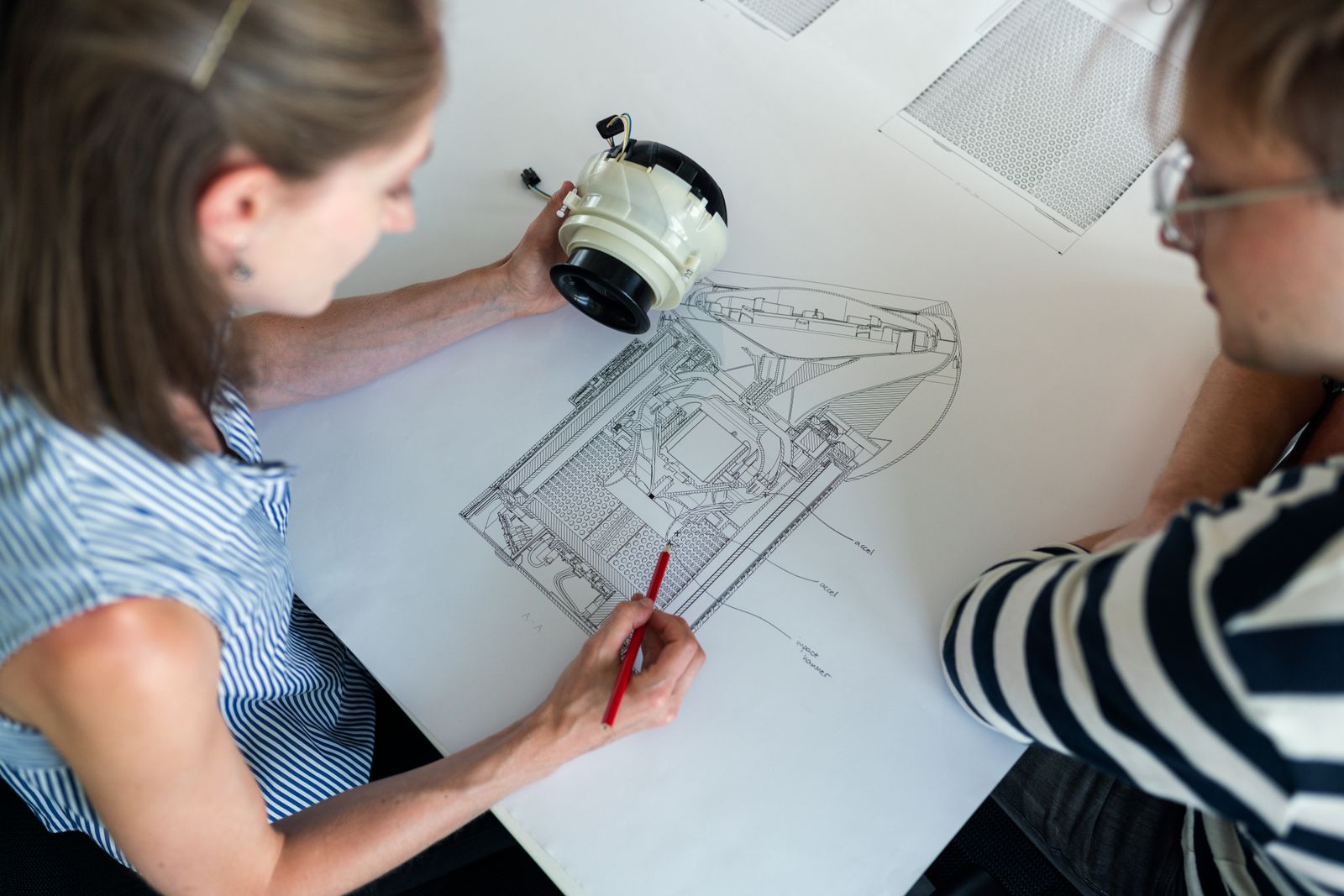
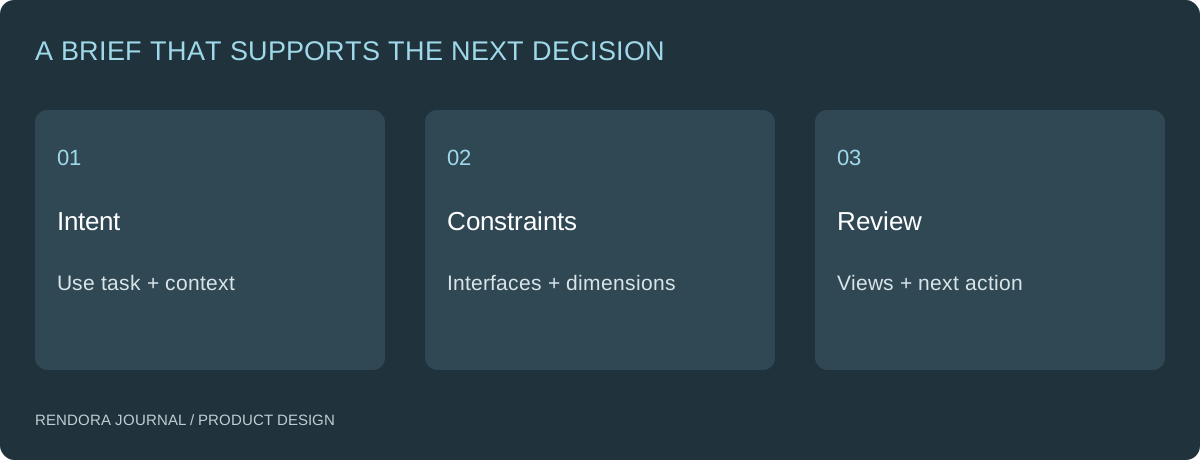
Label the evidence you already have
Organize references by purpose rather than uploading an undifferentiated folder. Include overall form, critical details, measured components and examples of use. State what each reference contributes and whether its dimensions have been measured.
| Input | What it can establish | What to add |
|---|---|---|
| Perspective sketch | Intended form and relationships | Dimensions and unresolved surfaces |
| Existing product photograph | Visible appearance and context | Scale reference and hidden construction |
| Component data | A defined interface or envelope | Revision, source and applicable conditions |
| Existing CAD | Geometry that can be inspected | Units, configuration and editing requirements |
| Physical sample | An object available for inspection | Measurement record and sample identity |
Keep inspiration separate from requirements. A reference appliance may demonstrate the desired visual character without specifying the electronics, manufacturing process or internal architecture of your product.
Define the first deliverable by its job
For an early form decision, ask for comparable views and a simple model. For a grip study, define a physical prototype and observation protocol. For an interface decision, ask for a dimensioned section and the actual mating component.
Shapr3D organizes modeling, visualization and 2D drawings as different project spaces. That distinction is useful even when your team uses other software: the source design supports multiple outputs, each with its own review purpose. [1]
An illustrative brief for a portable device might protect the electronics envelope and control positions while allowing the outer grip to change. Two concepts would be reviewed in the same orientation, followed by a physical grip sample for the preferred direction. No thermal or mechanical performance conclusion is implied by choosing its appearance.
Make feedback locatable
Give the model a revision ID and ask reviewers to identify the view, feature and intended change. “Too bulky” could refer to width, depth, visual mass or a local transition. Ask which one before changing the whole body.
Use a short change record: observation, affected feature, requested outcome, owner and evidence for the next review. Preserve the original reference. If the team changes a requirement, identify it as a requirement change rather than presenting it as correction of a modeling error.
For example, moving a connector may be a new electronics requirement. Making the housing agree with the already supplied connector drawing is a geometry correction. Their effect on quote scope and accepted work can differ.
Plan the handoffs without doing every task at once
Identify which later outputs depend on the selected design: a CMF review, an assembly animation, a simulation study or supplier documentation. Give each a source revision and entry condition.
The brief does not need to solve every downstream question. It needs to prevent an unresolved assumption from becoming an invisible fact. Keep an owner and next action beside each unknown so the next stage has a clear starting point.
Rendora’s product design tool connects references, configurations and source-linked handoffs. Start with an existing asset or CAD source when available; optional AI concept generation is another entry, not a prerequisite for the workflow.
Before you commission the first revision
Download the product brief worksheet. Complete the user task, protected interfaces, known dimensions, open questions and acceptance evidence. Agree which editable files and review outputs are included in the commission.
Can a single photograph start the project?
Yes. Use it to start the appearance discussion, then collect measurements and further views for features that must fit or function. Mark hidden construction as unresolved.
How much CAD detail is needed initially?
Enough to answer the current decision. Preserve important interfaces early; postpone detail that will be discarded if the overall concept changes.
What should remain after concept approval?
Retain the chosen source revision, accepted views, requirements, open issues and review decision. The concept-to-engineering guide explains what additional work prepares that concept for engineering.
References
[1] Shapr3D: Modeling Space — modeling, Visualization and 2D Drawings project spaces.
About the author
Rendora Journal covers configurable assets, production checks and traceable delivery workflows.